
Your videos.
Both languages.


Any format
MKV, MP4, AVI, TS — HEVC, AC3 and DTS included.
Bilingual subtitles
Subtitles appear as you watch, original and translation together.
Web video
Use the WatchTranslate browser extension.
How to open the portable version
- Right-click the zip and choose “Extract All”.
- Double-click watchtranslate_app.exe in the folder.
- If “Windows protected your PC” appears, click “More info” → “Run anyway”. This only appears the first time.
- Sign in with your WatchTranslate account.
The portable version does not update automatically. Return here to download new versions.
Advanced: file verification
Use the SHA-256 checksum to verify the download.
- SHA-256
6cc8f39fa26549a26bcef70d0ff5842b 23e118893367273f 5b498b9ee0cc16ad
Any format
MKV, MP4, AVI, TS — HEVC, AC3 and DTS included.
Bilingual subtitles
Subtitles appear as you watch, original and translation together.
Web video
Use the WatchTranslate browser extension.
Installation steps
- Open the downloaded dmg file.
- Drag WatchTranslate into the Applications folder.
- The first time you open it, if macOS asks about an app downloaded from the internet, click “Open”.
- Sign in with your WatchTranslate account.
Notarized by Apple. The app tells you when a new version is out, or download it here.
Advanced: file verification
Use the SHA-256 checksum to verify the download.
- SHA-256
46b28dc9b309c077d4168513aa7ed254 6704d4ac4413499a 693ad36db6629210
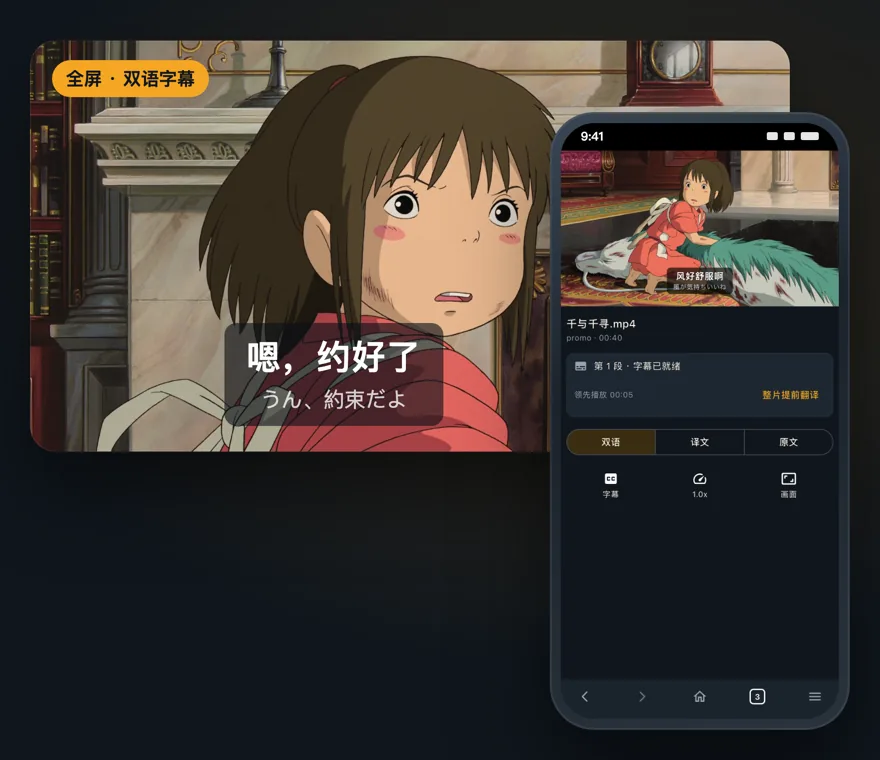

Local videos
Open a video file on your phone and translate it.
Web video
Open a video site in the built-in browser and tap Translate.
Prepare full video subtitles
Translate a full video first, then jump anywhere.
Installation steps
- Open the APK file after it downloads.
- If Android says it can't install unknown apps, allow your browser to install apps. You only need to do this once; it's normal for apps installed outside Google Play.
- Open the app and sign in with your WatchTranslate account.
The app tells you when an update is out. You can also download the new version here and install it over the old one; your sign-in and favorites stay.
Downloaded directly from our website; not yet on Google Play. This is a beta and may still have issues.
Advanced: file verification
Use the SHA-256 checksum to verify the download.
- SHA-256
03d18bf09dd30f973f23e4dff8b4c669 afa676ed74c73365 e0daa17c033db023 - Signing certificate
0F:12: 7E: C8: 03: 18: 18: EC: D2: 6C: 6D: 39: 34: 20: 1A: 91: 97: B0: DB: 98: B8: EF: CF: 73: 94: 46: D7: D7: 96: DD: 46: 8E
The iPhone app is not on the App Store in mainland China yet. If you have an Apple ID from another country or region, switch to it in the App Store to download the app. You can also open the Local Player in Safari to translate videos on your iPhone, or use the Chrome / Edge extension on a computer for online videos. Open the Local Player

One account: share your account and points across the website, extension and all apps.
Buying: get points and subscriptions on the website; the iPhone app also offers Apple subscriptions.
Need help? Email support@watchtranslate.com.