
YouTube video translator English subtitles, no CC needed
Talks, interviews and vlogs in a language you don't speak — and the CC button is grey. WatchTranslate puts English right on the YouTube player, with the original line underneath.
Watch on your phone
Scan to get the app


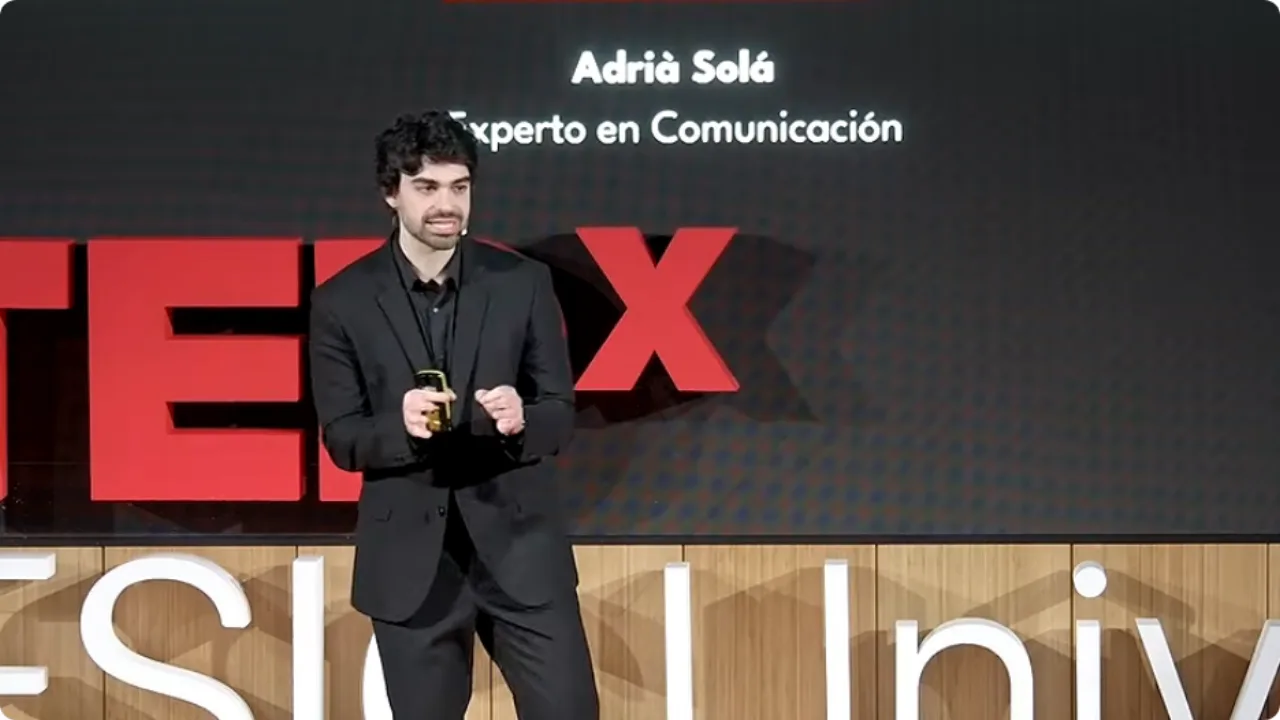
Auto-translate needs captions first
YouTube can only auto-translate a caption track that already exists. Many talks, interviews and vlogs have none, or only messy auto-captions in the original language.
- Half the jokes and asides slip past
- Some videos have no caption track, so no auto-translate
- Auto-captions show one language at a time
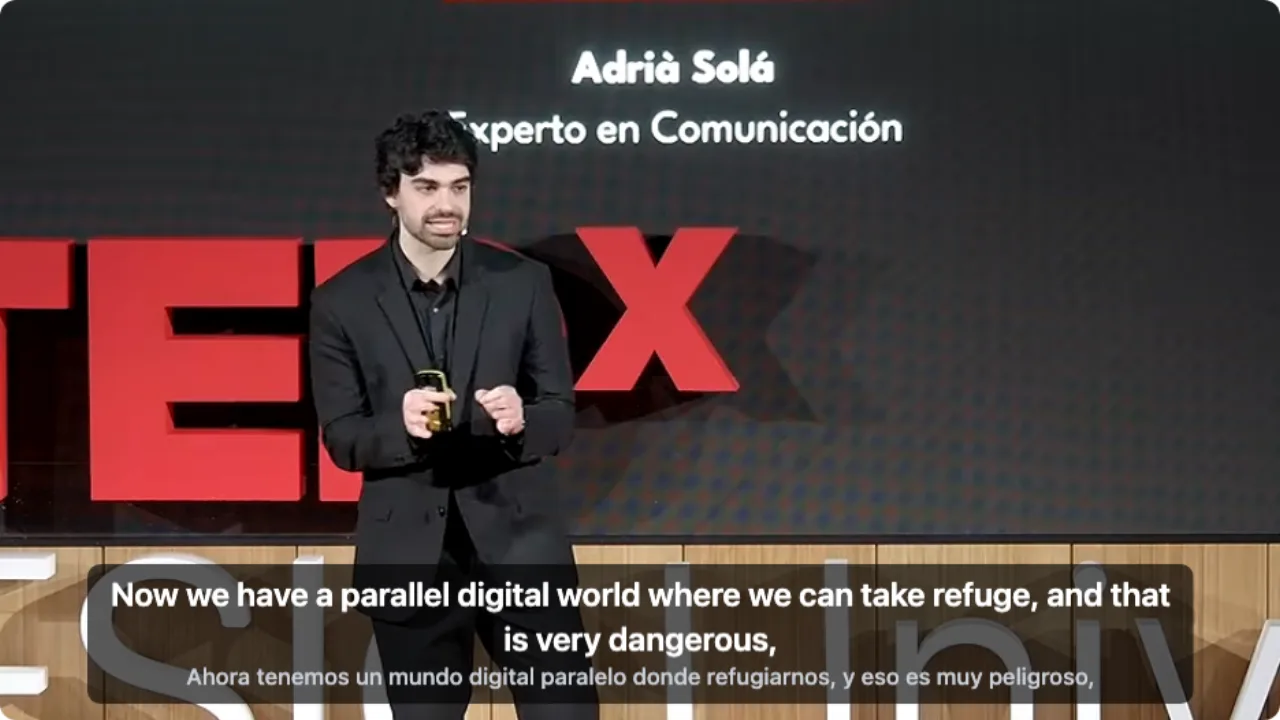
- English appears as each sentence is spoken
- Names and terms can be checked against the Spanish line
- A full lecture can be prepared before you press play
English subtitles on a YouTube video in three steps
Install the extension
Add WatchTranslate to Chrome or Edge on your computer. It takes half a minute.
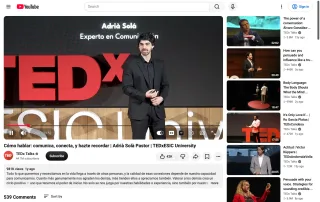
Open the video on YouTube
Play it as usual — no YouTube account needed. Let any ad finish first.
 WTNow we have a parallel digital
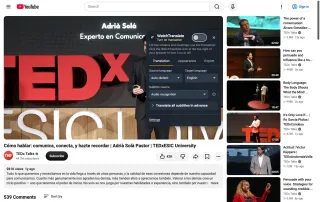
Click WT on the player
Click WT in the player controls and set Target language to English. With no captions, set Subtitle source to Audio recognition, then switch it on. Subtitles start with the next line spoken.
Built for foreign-language videos on YouTube
No captions? It listens
Set Subtitle source to Audio recognition: it transcribes the speech, then translates it into English.
Has a caption track? It uses it
Creator captions or YouTube's auto-generated ones are translated directly, keeping their timing.
English on top, original below
Both lines on screen, so names and phrases you half-recognise line up with the translation.
Messy auto-captions? Listen again
When YouTube's auto-captions break mid-sentence, switch to audio recognition for cleaner lines.
Prepare a long lecture first
Click Translate all subtitles in advance and keep watching while the whole video is prepared.
Keep the subtitles
Export SRT or VTT from the Export tab for notes, study or another player.
What people watch on YouTube with WatchTranslate
Street interviews and vlogs
Fast, casual Spanish or Japanese speech, followed line by line.
Lectures and talks
University lectures and conference talks, with the original terms kept on screen.
News and long interviews
Foreign news channels and podcast-style interviews, without guessing who said what.
Free anime and dramas on official channels
Officially uploaded episodes that never got English subtitles.
Gameplay and stream replays
Foreign streamers' replays, prepared in full before you sit down.
Reviews and tutorials
Gadget reviews and how-tos where every step matters.
Are YouTube's own captions enough?
Often, yes. If the creator uploaded English captions, or auto-translate offers English, use that. WatchTranslate is for the cases below.
| The video you're watching | What the YouTube player offers | With WatchTranslate |
|---|---|---|
| Creator uploaded English captions | Pick English in the captions menu | Just use YouTube's captions |
| Only foreign or auto-generated captions | Auto-translate works, one language at a time; auto-captions often break mid-sentence | English and the original together; re-listen when the captions are messy |
| New upload with no caption track | The CC button is grey, so there is no auto-translate | Transcribes the audio and translates as it plays |
| Lectures and replays of an hour or more | Same as above, video by video | Prepare the whole video's subtitles in advance |
The YouTube column reflects the youtube.com web player's captions menu on November 9, 2026, signed out. Check YouTube's current page.
What we tried on YouTube
On a computer with the current extension, signed out of YouTube: open a foreign-language video and click WT on the player.
- Works
TEDx talk in Spanish · first English line in about 7 seconds
Audio recognition turned the Spanish into English, with the original line underneath.
- Works
Japanese street interview · English subtitles (November 8 run)
Fast, casual Japanese with big captions burned into the picture; the English lines appeared with the Japanese underneath.
Tested November 9, 2026 · extension 0.5.737 · Chrome · signed out of YouTube
Watch on your phone
Scan to get the app
Try your 20 free minutes on the YouTube video you wanted to watch anyway.
In detail
Which setting for which video
| The video | What to do | Good to know |
|---|---|---|
| The creator added captions in another language | Set Subtitle source to Video subtitles and Target language to English | Timing follows the creator's captions |
| YouTube's auto-captions break mid-sentence | Switch Subtitle source to Audio recognition | Lines are rebuilt from the speech |
| A lecture of an hour or more | Click Translate all subtitles in advance | Keep watching while it prepares |
How it works
What happens when I skip ahead?
WatchTranslate works through the video in 30-second segments: the one playing and the next one. Jump to another minute and it starts with the segment at that point.
How does it keep names and terms consistent?
Each line is translated with its neighbours in view, so a name or term reads the same way through the video. Translation and original share one timeline, which keeps the two lines together.
Why do some videos show subtitles straight away?
If someone has already translated the same video into the same language, WatchTranslate reuses that result and shows it right away.
What YouTube itself says
From the YouTube Help Center, checked signed out of YouTube on .
Automatic captions are generated by YouTube's speech recognition, and not every video has them.
support.google.com/youtube/answer/6373554Auto-translate in the captions settings translates a video's existing captions into another language.
support.google.com/youtube/answer/100078
Getting the best results
Start with one main speaker
Talks, interviews and vlogs where one person speaks at a time give the cleanest lines.
Loud music? Keep the original line
When music or crosstalk gets loud, the original line helps you check what was said.
Keep a transcript
Export SRT or VTT after a lecture so you can search it later.
YouTube video translator questions
How do I translate a YouTube video into English?
Install WatchTranslate in Chrome or Edge, open the video on YouTube, click WT in the player controls, set Target language to English and switch it on. It translates the caption track if there is one; with Subtitle source on Audio recognition, it listens to the speech.
Can I translate a YouTube video that has no subtitles?
Yes. Set Subtitle source to Audio recognition. It transcribes the speech, translates it, and picks up again after you pause or skip.
How is this different from YouTube's auto-translate?
YouTube's auto-translate only works on an existing caption track and shows one language. WatchTranslate also works with no captions at all and shows English and the original together.
Do I need to sign in to YouTube?
No. We tested signed out of YouTube. You do need a free WatchTranslate account, which holds your free minutes.
Does it work for Japanese or Spanish videos?
Yes. Leave Source language on Auto-detect or pick it yourself, then set Target language to English.
Can I get the whole video translated before I start?
Yes. Click Translate all subtitles in advance in the panel and keep watching while it works through the rest.
Is there a YouTube translator for my phone?
On Android or iPhone, install the WatchTranslate app, open the YouTube video inside the app and tap Translate.
Can I download the translated subtitles?
Yes. Export SRT or VTT from the Export tab.
How much is free?
New accounts get 20 free minutes, no card needed.
Is WatchTranslate made by YouTube?
No. It is an independent extension and app that shows subtitles over the YouTube player without changing the video.
Keep reading
Related questions
- YouTube auto-translate is missing your languageTwo ways to get it
- YouTube video has no subtitlesCreate them from the audio
By language
- English subtitles for Japanese videosVariety, drama, vlogs
- Free anime on YouTubeOfficial channels
More: Supported sites · All guides
YouTube is a trademark of Google LLC. WatchTranslate is not affiliated with YouTube or Google.