
Vimeo video translator English subtitles for lectures, talks and short films
Vimeo is where architects, designers and filmmakers post their lectures, talks and shorts, often in the language they were given in. WatchTranslate turns the speech into English on the Vimeo player and keeps the original line right below it.
Watch on your phone
Scan to get the app


Vimeo captions are up to the uploader
On Vimeo, the captions you see are the ones the uploader added, or automatic captions the creator leaves on. Translated tracks appear when the creator adds them. WatchTranslate works from what is spoken, so a Spanish lecture plays in English for you either way.
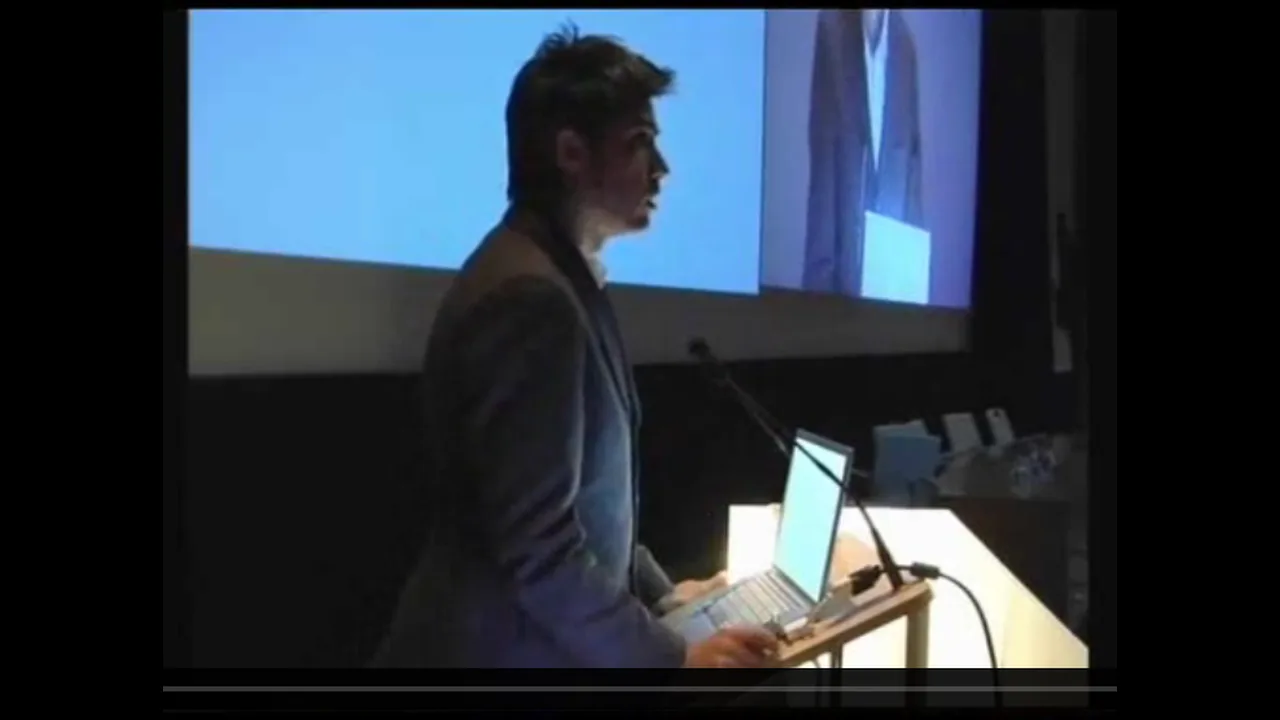
- Only the Spanish voice, with no subtitles on screen
- Project names and references go by quickly
- A long lecture is hard to follow by ear alone
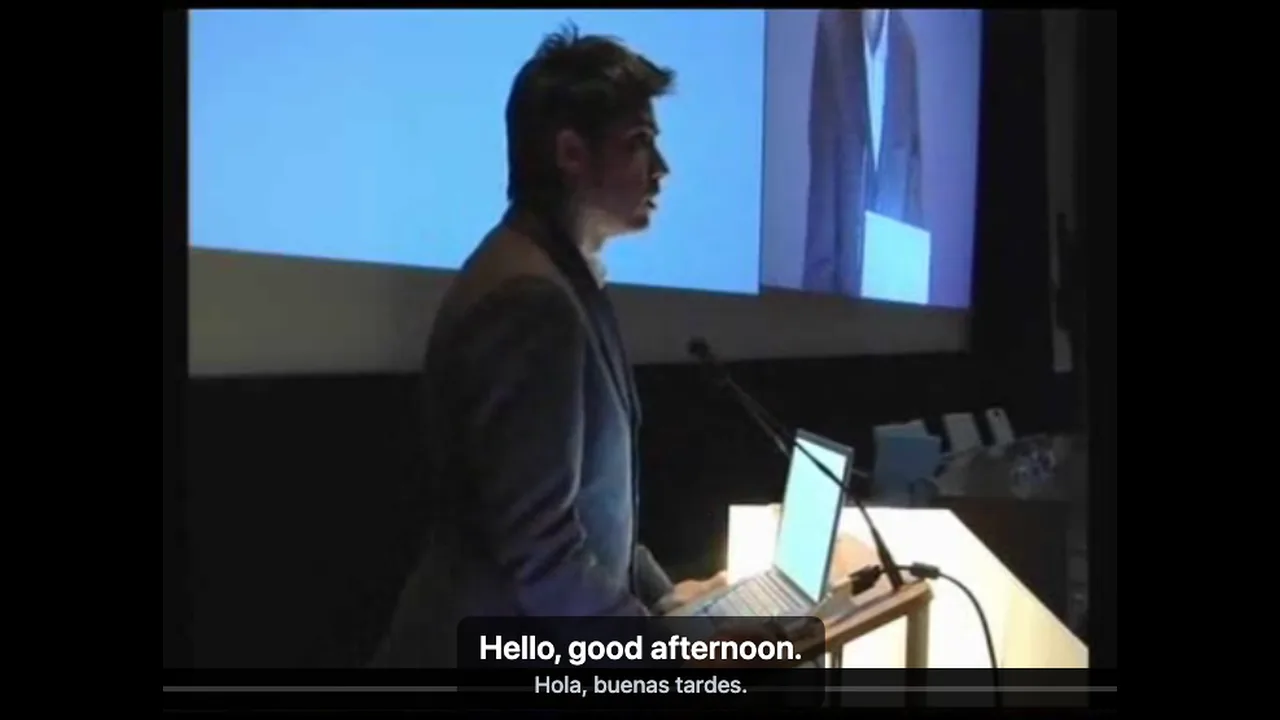
- English appears as each sentence is spoken
- The Spanish line underneath, for names and terms
- Started from the toolbar, on the lecture you are already watching
English subtitles on a Vimeo video in three steps
Install the extension
Add WatchTranslate to Chrome or Edge on your computer, then pin its icon to the toolbar.
Open the video on Vimeo
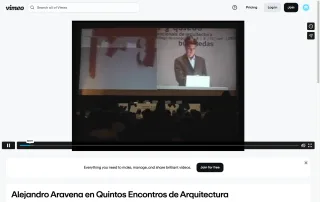
Find the lecture, talk or short film and press play. A Vimeo account is optional.
 WTHello, good afternoon.
Click the icon, then Translate this video
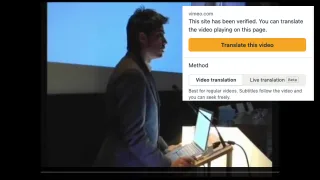
Click the WatchTranslate icon at the top right of the browser. The popup says the site has been verified; check that Target language is English and click Translate this video. English follows the next line spoken.
Made for the talks and films people share on Vimeo
One click from the toolbar
Open the popup from the WatchTranslate icon, click Translate this video, and the video keeps playing with English on top.
Works from the spoken audio
It transcribes what the speaker says, then translates it, whatever caption tracks the uploader added.
English on top, original below
Both lines on screen, so you hear the speaker's own voice and read the meaning at once.
Line by line with the talk
Each English line follows the sentence just spoken, with the original Spanish right below it to check a term.
Jump to any scene
Drag the Vimeo progress bar to the part of the talk you want; subtitles pick up from there.
Pick your language
English is one choice among many: set Target language in the popup to whatever you read best.
What people watch on Vimeo with WatchTranslate
Architecture and design lectures
Conference and school lectures where a speaker walks through one project at length.
Filmmaker talks and Q&As
Directors and crews discussing their work after a screening or in a studio interview.
Festival shorts and Staff Picks
Independent short films from around the world, followed line by line in English.
Documentary shorts
Portraits and local stories from film schools and independent crews, with the original voices kept on screen.
Animated shorts
Narrated and dialogue-driven animation from student and independent studios.
Music videos and visual work
Spoken intros, interludes and artist statements around the music.
Are Vimeo's own captions enough?
Often, yes. If the creator added English captions or a translated track, turn on CC and choose it. WatchTranslate covers the cases below.
| The video you're watching | What the Vimeo player offers | With WatchTranslate |
|---|---|---|
| The creator added English captions | Turn on CC and choose English | Just use Vimeo's captions |
| Captions only in the spoken language | CC shows the uploaded or automatic captions; translated tracks appear when the creator adds them | English from the speech, with the original line underneath |
| A talk with no caption track | The CC menu lists the tracks the creator has added | Transcribes the speech and translates as it plays |
The Vimeo column reflects the vimeo.com web player and the Vimeo Help Center on November 10, 2026, signed out. Check Vimeo's current page.
What we tried on Vimeo
On a computer with the current extension, signed out of Vimeo: open the video, click the WatchTranslate icon in the toolbar and click Translate this video.
- Works
Alejandro Aravena's architecture lecture · Spanish → English
“Hola, buenas tardes.” came through as “Hello, good afternoon.” on the Vimeo player, with the Spanish underneath, and the talk carried on line by line.
- Works
Project names kept
When Aravena introduced the Elemental project, the name appeared in the English line just as in the Spanish.
Tested November 10, 2026 · extension 0.5.755 · Chrome · signed out of Vimeo
Watch on your phone
Scan to get the app
Try your 20 free minutes on the Vimeo talk or film you've been meaning to watch.
In detail
What to do for each kind of Vimeo video
| The video | What to do | Good to know |
|---|---|---|
| The creator added English captions | Turn on CC in the Vimeo player | Use WatchTranslate when you want the original line on screen too |
| A lecture or short in Spanish or another language | Click the icon and Translate this video with Target language on English | Subtitles follow the speech line by line |
| You want to replay one part of a talk | Drag the progress bar to that point | Subtitles continue from there with both lines aligned |
How WatchTranslate makes subtitles on Vimeo
Where does the English come from?
WatchTranslate listens to the video as it plays, transcribes the speech and translates it. It works through the video in 30-second segments, the one playing and the next one, so the text keeps pace with the speaker.
How does it keep names and terms consistent?
Each line is translated with its neighbours in view, so a person's name or a project title reads the same way through the talk. Translation and original share one timeline, which keeps the two lines together.
Why do some videos show subtitles straight away?
If someone has already translated the same video into the same language, WatchTranslate reuses that result and shows it right away.
What Vimeo itself says
From the Vimeo Help Center, checked signed out of Vimeo on .
Viewers turn captions and subtitles on or off with the CC button in the Vimeo player and choose from the tracks the video offers.
help.vimeo.com/hc/en-us/articles/21956892383761-How-to-enable-or-disable-captions-and-subtitles-while-viewing-a-videoAutomatic captions are a setting the video owner can turn on or off for their videos.
help.vimeo.com/hc/en-us/articles/21959893963537-How-to-activate-or-deactivate-default-automatic-captionsVideo owners can use Vimeo AI to translate their video's subtitles into other languages.
help.vimeo.com/hc/en-us/articles/27123994146961-How-to-use-Vimeo-AI-to-translate-my-video-s-subtitles
Getting the best results on Vimeo
Check the CC menu first
If the creator added English, use it; for everything else, click Translate this video.
Keep the original line on screen
In technical talks, the original line helps you check names, places and terms as they come up.
Pin the icon
With WatchTranslate pinned to the toolbar, the next Vimeo talk or film is one click away.
Vimeo video translator questions
How do I translate a Vimeo video into English?
Install WatchTranslate in Chrome or Edge, open the video on Vimeo, click the WatchTranslate icon in the browser toolbar, check that Target language is English and click Translate this video. English appears on the player with the original line underneath.
Does it work on Vimeo videos without English captions?
Yes. WatchTranslate listens to the speech in the video and translates it, so it follows lectures, talks and films whatever caption tracks the uploader added.
How is this different from Vimeo's own captions?
Vimeo shows the captions the creator uploaded or enabled, including translated tracks the creator added. WatchTranslate translates the spoken audio into the language you choose and shows it together with the original.
Do I need a Vimeo account?
No. We tested signed out of Vimeo. You do need a free WatchTranslate account, which holds your free minutes.
Does it work for Spanish lectures and talks?
Yes. Our test video was Alejandro Aravena's Spanish-language architecture lecture; the English line appeared with the Spanish underneath.
Can I skip to a later part of the talk?
Yes. Drag the progress bar to the part you want and the subtitles continue from that point.
Can I translate into a language other than English?
Yes. Set Target language in the popup to any language you like before clicking Translate this video.
How much is free?
New accounts get 20 free minutes, no card needed, enough for a lecture or a couple of short films.
Is WatchTranslate made by Vimeo?
No. It is an independent extension that shows subtitles over the Vimeo player without changing the video.
Keep reading
Related questions
- Online video with no subtitlesCreate them from the audio
- How bilingual subtitles workTwo languages on screen
By topic
- Foreign videos in EnglishOther languages and sites
- English subtitles for foreign filmsFeatures and shorts
More: Supported sites · All guides
Vimeo and related logos are trademarks of their respective owners. WatchTranslate is not affiliated with or endorsed by Vimeo.