
Korean video to English subtitles while it plays
Korean YouTubers, variety clips, talks and idol live replays rarely get English subtitles. WatchTranslate listens to the Korean and writes English lines on the player, with the Korean sentence right below.
Watch on your phone
Scan to get the app


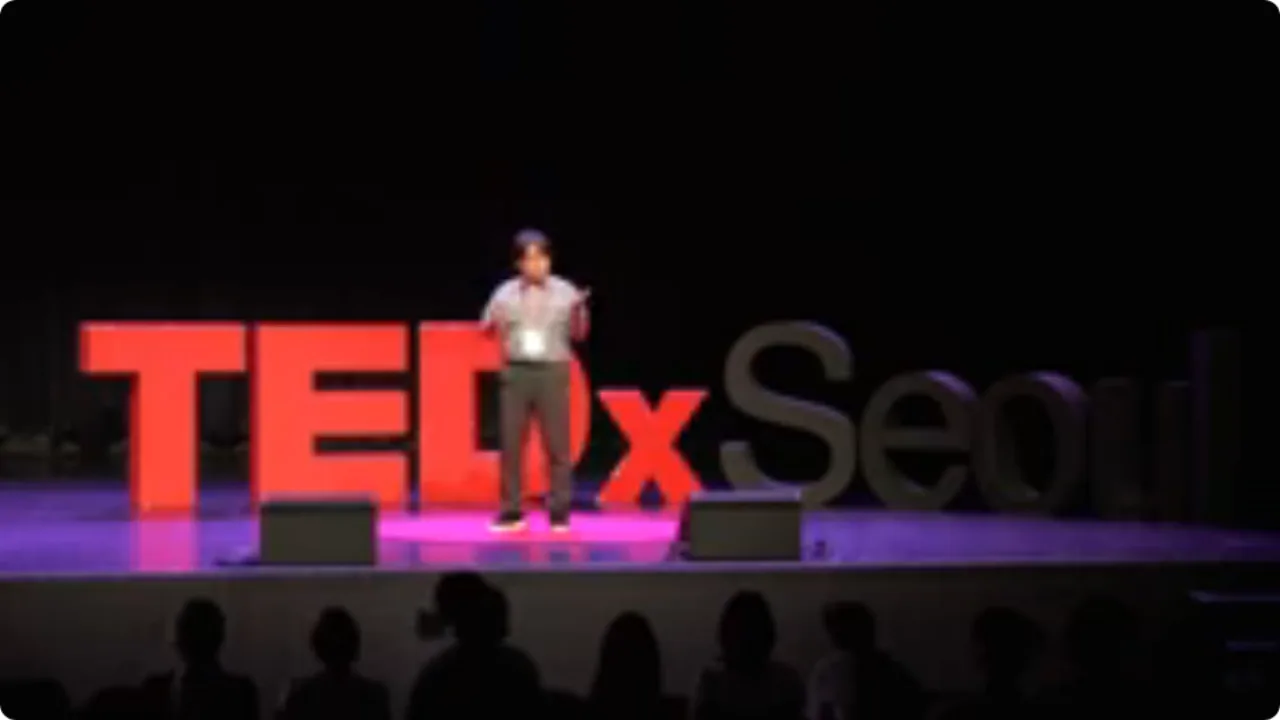
The Korean videos you want rarely come with English
Big K-dramas get official subtitles. Vlogs, talks, variety behind-the-scenes and live replays mostly do not, and YouTube's Auto-translate only appears once a video already has a caption track.
- You catch the tone but miss the argument
- No caption track means no Auto-translate either
- Typing Hangul into a translator is far too slow
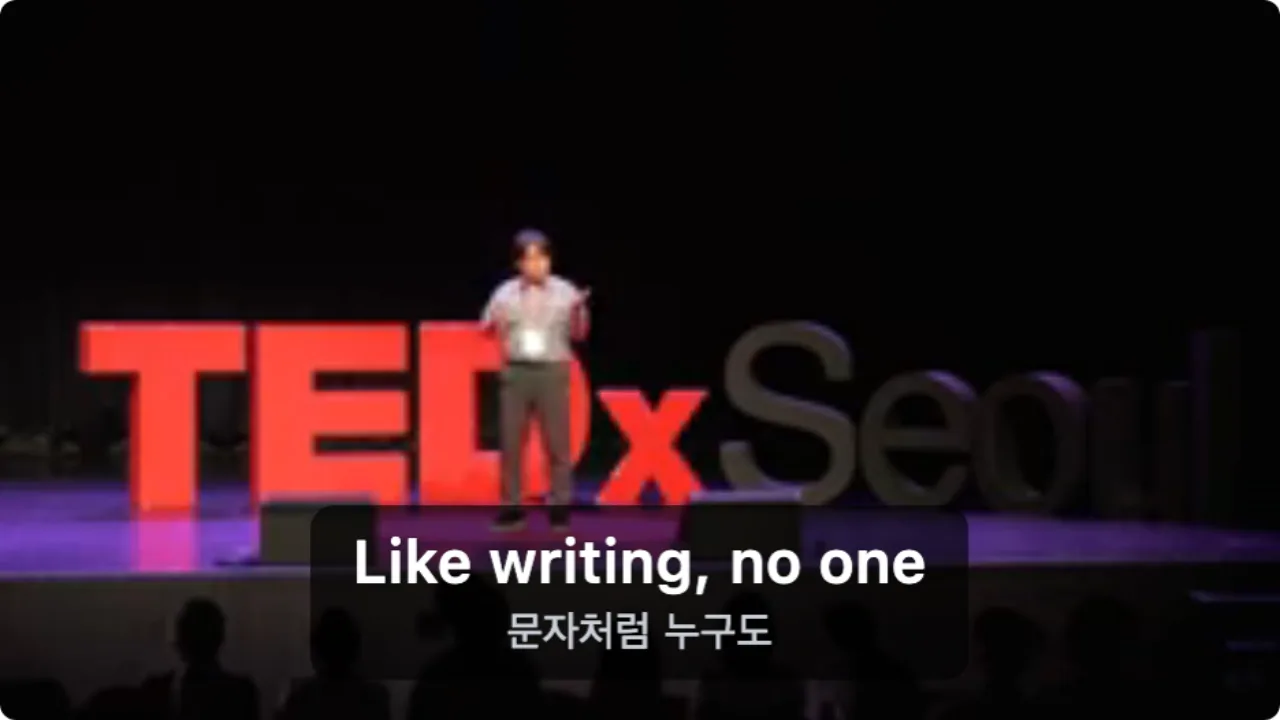
- An English line for each sentence as it is spoken
- The Korean stays underneath for learners
- Works on videos with no subtitle track at all
English subtitles on a Korean video in three steps
Add the extension
Install WatchTranslate in Chrome or Edge on your computer. It takes about half a minute.
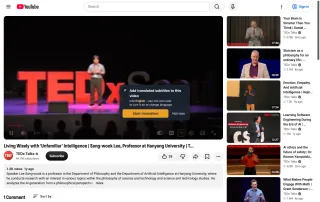
Open the Korean video
Play it as usual; you do not need to sign in to YouTube. A WT button appears in the player bar.
 WTArtificial intelligence is the same.
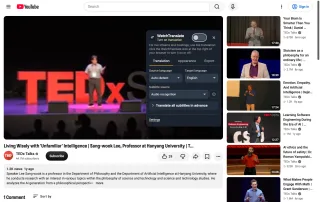
Pick English and switch on
In the WT panel set Target language to English and Subtitle source to Audio recognition, then turn on translation. Source language can stay on Auto-detect; set it to Korean if the speaker mixes in English.
What this Korean talk turned into
A Hanyang University philosophy professor at TEDxSeoul, talking about AI. These are the lines from the first half minute of our test, unedited.
| Second | Korean (audio) | English (subtitle) |
|---|---|---|
| 2 s | 모두 인정할 수밖에 없는 굉장히 훌륭한 기술에 대해서도 | even for a truly excellent technology that everyone can't help but acknowledge, |
| 6 s | 처음에 등장할 때는 사람들은 다 그렇게 걱정하고 거부하고 두려워한다. | When it first appears, people all worry like that, reject it, and fear it. |
| 11 s | 인공지능도 마찬가지다. | Artificial intelligence is the same. |
| 12 s | 인공지능이라는 새로운 기술이 사실은 문자처럼 엄청난 잠재력을 가지고 있는 기술인데, | The new technology of AI actually has tremendous potential, like writing, |
| 17 s | 이 기술에 대해서 사람들은 일단은 걱정하고 두려워하고 그리고 자꾸 이렇게 규제하려고 들고 막으려고 한다. | Regarding this technology, people first worry and fear it, and keep trying to regulate it and block it like this. |
| 25 s | 결국은 문자와 마찬가지로 우리가 인공지능 기술을 수용하고 좀 더 익숙해지면 | In the end, just like with writing, once we accept AI technology and become more familiar with it, |
| 30 s | 모든 문제가 해결될 것이다. | all problems will be solved. |
| 32 s | 이렇게 주장하시는 분들이 있습니다. | There are people who argue this. |
Korean puts the verb at the end, so a long sentence often arrives in two parts (rows 6 and 7); the English follows the speaker's pauses instead of waiting for the full stop. Seconds count from the first subtitle.
Built for watching Korean videos
No subtitles needed
Audio recognition listens to the Korean itself, so a video with no caption track still gets English lines.
English on top, Korean below
If you are learning Korean, you see the sentence you just heard next to what it means.
Korean detected on its own
Source language was left on Auto-detect in our test and the talk was recognized as Korean.
Long live replays ready early
Translate all subtitles in advance prepares a three-hour replay while you watch the start.
Keep the subtitles
The Export tab saves SRT or VTT for vocabulary notes or another player.
Uses a Korean caption track too
When the channel uploaded Korean captions, those can be translated with their own timing.
Korean videos you can follow now
Korean YouTubers
Seoul daily life, office vlogs and study-with-me channels that only speak Korean.
Variety clips
Official short clips and behind-the-scenes that come out before any fan subs.
Idol live replays
Unscripted chat in fan-platform and YouTube live replays.
Talks and lectures
Long, dense sentences like the TEDxSeoul talk tested here.
Food and travel
Street-food tours and market vlogs, so you get the shop and dish names too.
Learning Korean
Native-speed Korean with the Hangul and the English side by side.
Where Korean videos live, and what each site offers
When the site already has English, use it. These are the cases Korean-video viewers run into most.
| The Korean video | What the YouTube player offers | With WatchTranslate |
|---|---|---|
| Has English subtitles from the channel | Pick English in the captions menu | Nothing to add; use YouTube's |
| Has only Korean or auto-generated captions | Auto-translate turns them into English, one language at a time | English and Korean together; redo choppy auto captions from the audio |
| Has no caption track at all | No Auto-translate option, Korean audio only | English from the audio, as in the test on this page |
The YouTube column reflects the captions menu of the youtube.com web player, signed out, on November 9, 2026. Check YouTube's current page.
What we tested with Korean video
On a computer with the published extension, signed out of YouTube: open the TEDxSeoul talk, set English, click WT.
- Works
TEDxSeoul talk in Korean · English subtitles
With Audio recognition, 14 English lines in the first 40 seconds, each with the Korean under it; eight are in the table above.
- Works
Korean recognized on Auto-detect
Source language stayed on Auto-detect and the talk came out as Korean, without picking it by hand.
Tested November 11, 2026 · extension 0.5.766 · Chrome · signed out of YouTube
Watch on your phone
Scan to get the app
Use your 20 free minutes on the Korean video you have been waiting to get English subs for.
Translating Korean videos to English
How do I translate a Korean video to English?
Install the WatchTranslate extension in Chrome or Edge, open the video, click WT, set Target language to English and turn on translation. English lines appear as the video plays.
Does it work on Korean videos with no subtitles?
Yes. Set Subtitle source to Audio recognition and it works from the Korean audio, as in the test on this page.
Do I have to tell it the video is in Korean?
Usually not; Source language can stay on Auto-detect. If the speaker mixes Korean and English, set it to Korean for steadier recognition.
Can I see the Korean and the English together?
Yes. By default the English is on top and the Korean line below; you can switch to English only.
Does it work on K-pop idol live replays?
Yes, a replay is handled like any other video. For a long one, use Translate all subtitles in advance.
Do I need a YouTube account?
No. The test on this page was done signed out of YouTube.
Can I use it on my phone?
Use the WatchTranslate app on Android and iPhone, and the extension for Chrome or Edge on a computer.
Can I download the English subtitles?
Yes. The Export tab saves them as SRT or VTT.
How much is free?
The first 20 minutes are free with no card. Plans to keep going are on the pricing page.
Is WatchTranslate made by YouTube?
No. It is an independent tool that shows subtitles on the players of video sites.
YouTube is a trademark of Google LLC and TEDx of TED Conferences LLC. WatchTranslate is not affiliated with or endorsed by them.