
Translate documentary narration English subtitles as it plays
Nature films, history series and long reportage that only exist in Spanish, German or Japanese. WatchTranslate puts English on the player as the narrator speaks, with the original line underneath.
Watch on your phone
Scan to get the app


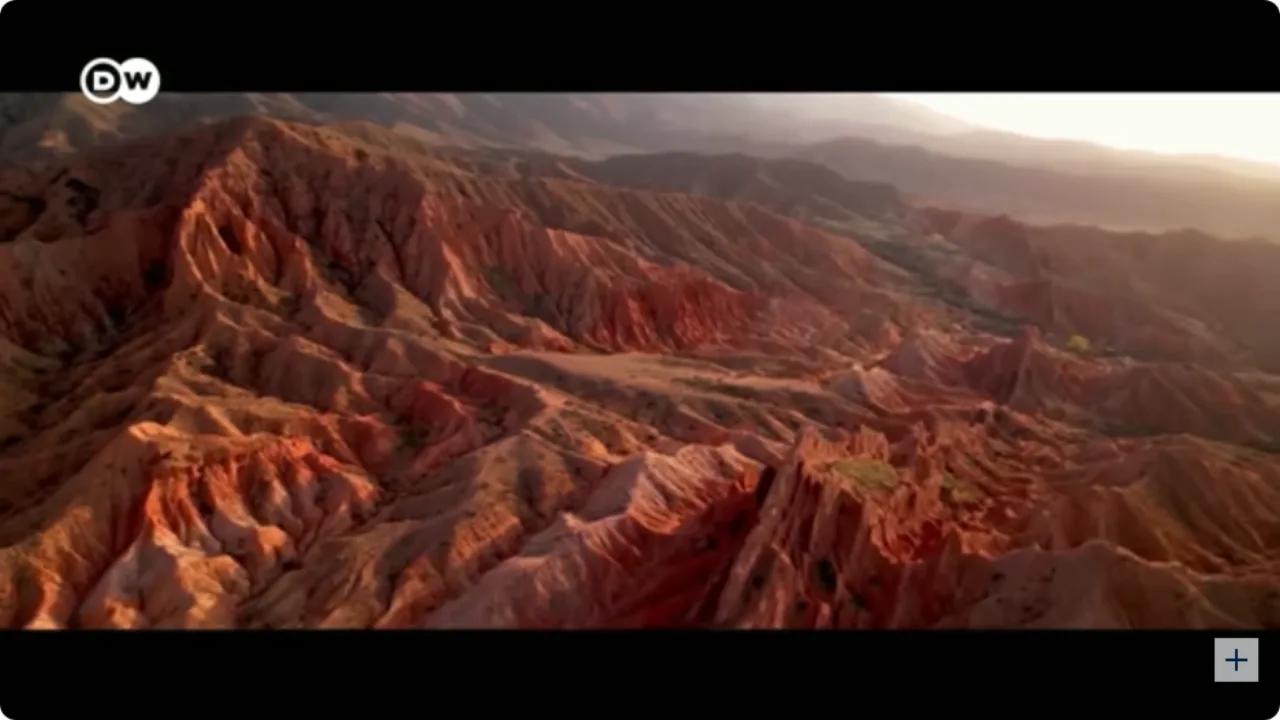
The best documentary on the topic is often in another language
Broadcasters in Germany, Spain, Japan and elsewhere publish full-length documentaries for free, but English subtitles are rare. Narration is dense, full of names, places and figures, and missing a sentence means missing the point.
- Dense narration you follow only in fragments
- Names, places and figures go by too fast to catch
- Many uploads have no English caption track at all
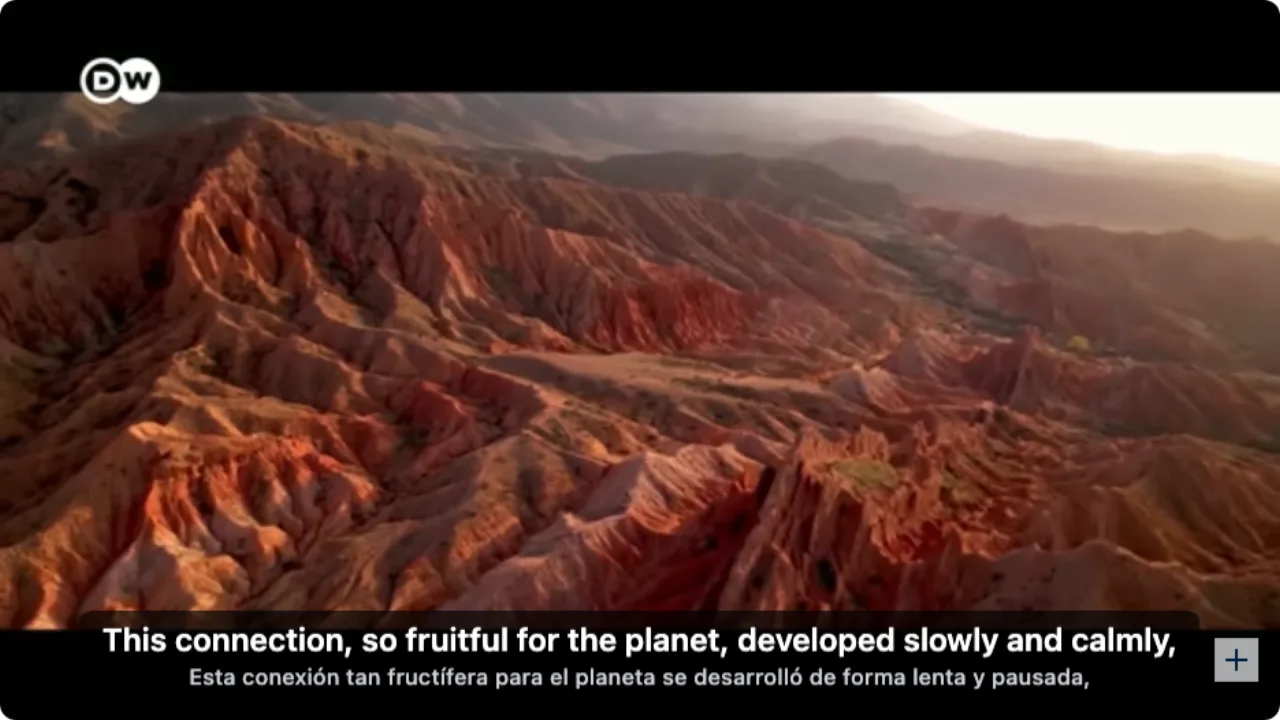
- English appears as each sentence is narrated
- Terms and names can be checked against the original line
- A long documentary can be prepared before you press play
English subtitles on a foreign documentary in three steps
Install the extension
Add WatchTranslate to Chrome or Edge on your computer. It takes half a minute.
Open the documentary
Play it on YouTube or another video site as usual. A documentary file on your computer opens in the WatchTranslate player in your browser.
 WTslowly and calmly,
Click WT on the player
Click WT in the player controls and set Target language to English. With no captions, set Subtitle source to Audio recognition, then switch it on. Subtitles start with the next line of narration.
Built for long, narration-heavy films
No subtitles? It listens
Set Subtitle source to Audio recognition: it transcribes the narration and interviews, then translates them into English.
Has a caption track? It uses it
When the broadcaster uploaded captions in the original language, they are translated directly, keeping their timing.
English on top, original below
Both lines on screen, so species, place names and figures line up with the translation.
Prepare a long film first
Click Translate all subtitles in advance and keep watching while the whole documentary is prepared.
Jump to any chapter
Skip ahead to the part you need and subtitles pick up from that point.
Keep the subtitles as notes
Export SRT or VTT to keep a searchable, timestamped record of what was said.
Documentaries people watch with WatchTranslate
Nature and wildlife films
Public broadcasters' landscape and wildlife films, with species and places kept in the original line.
History and archive series
Multi-part history series in German, Spanish or French, followed episode by episode.
Science and technology
Explainers on climate, medicine and engineering, where every term matters.
Travel, food and culture
Regional food and travel films that never got an English version.
Topic research and fact-finding
Watching foreign documentaries for a story, a thesis or a video idea: bilingual subtitles as you go, note the timestamps, and export SRT from the local player to keep as notes.
Documentary files on your computer
An MP4 or MKV you already have, opened in the browser player and prepared in full.
Are the built-in captions enough?
Often, yes. If the broadcaster uploaded English subtitles, use those. WatchTranslate is for the cases below.
| The documentary you're watching | What the video player offers | With WatchTranslate |
|---|---|---|
| Official English subtitles available | Pick English in the captions menu | Just use the official subtitles |
| Only captions in the original language | On YouTube, auto-translate shows one language at a time | English and the original together, line by line |
| No caption track at all | Nothing to turn on | Transcribes the narration and translates as it plays |
| A documentary file on your computer | Depends on the media player and a matching subtitle file | Open it in the WatchTranslate player, prepare it in full, export SRT |
The player column reflects the youtube.com web player's captions menu on November 11, 2026, signed out. Other sites differ; check the player you are using.
What we tried
On a computer with the current extension, signed out of YouTube: open a Spanish-language documentary and click WT on the player.
- Works
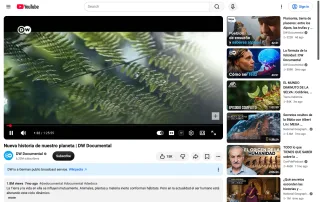
DW Documental in Spanish · English subtitles on a nature documentary
Nueva historia de nuestro planeta, a film about Earth and life on it: the Spanish narration came out as English, with the original line underneath.
Tested November 11, 2026 · extension 0.5.780 · Chrome · signed out of YouTube
Watch on your phone
Scan to get the app
Try your 20 free minutes on the documentary you've been meaning to watch.
In detail
Which setting for which documentary
| The documentary | What to do | Good to know |
|---|---|---|
| The broadcaster added captions in the original language | Set Subtitle source to Video subtitles and Target language to English | Timing follows the broadcaster's captions |
| No captions, or auto-captions that break mid-sentence | Set Subtitle source to Audio recognition | Lines are rebuilt from the narration |
| A long film or a multi-part series | Click Translate all subtitles in advance | Keep watching while it prepares |
| A file saved on your computer | Open it in the WatchTranslate player in your browser | Export SRT, or a zip of several languages, when it's done |
How it works
What happens when I skip to another chapter?
WatchTranslate works through the film in 30-second segments: the one playing and the next one. Jump to another chapter and it starts with the segment at that point.
How does it keep names and terms consistent?
Each line is translated with its neighbours in view, so a species, a place or a person reads the same way through the film. Translation and original share one timeline, which keeps the two lines together.
Why do some documentaries show subtitles straight away?
If someone has already translated the same documentary into the same language, WatchTranslate reuses that result and shows it right away.
Getting the best results
Narration comes through clearest
A single narrator or one interviewee at a time gives the cleanest lines.
Music swells? Keep the original line
Documentaries often lay music under the voice; the original line helps you check what was said.
Prepare long films before you sit down
Start Translate all subtitles in advance, then watch the whole film without waiting.
Export for your notes
Save SRT or VTT after watching so you can search the transcript and find the timestamp again.
Documentary translation questions
How do I translate a documentary into English?
Install WatchTranslate in Chrome or Edge, open the documentary, click WT in the player controls, set Target language to English and switch it on. It translates the caption track if there is one; with Subtitle source on Audio recognition, it listens to the narration.
The documentary has no subtitles at all. What then?
Set Subtitle source to Audio recognition. It transcribes the narration and interviews, translates them, and picks up again after you pause or skip.
Which languages work?
Spanish, German, French, Japanese, Chinese and many more. Leave Source language on Auto-detect or pick it yourself, then set Target language to English.
Can I get a two-hour documentary ready before I start?
Yes. Click Translate all subtitles in advance and keep watching while it works through the rest of the film.
Does it work on sites other than YouTube?
Yes. The extension works on many video sites, including Vimeo. A documentary file on your computer opens in the WatchTranslate player in your browser.
I'm researching a topic. Can I keep the subtitles as notes?
Yes. Export SRT or VTT to get a timestamped transcript you can search and quote from. In the local player you can also export several languages at once as a zip.
Can I use the subtitles for my research or reporting?
They are there to help you understand and study the material. When you quote, republish or share footage, follow the platform's terms and the copyright holder's rules.
Is there a documentary translator for my phone?
On Android or iPhone, install the WatchTranslate app, open the documentary inside the app and tap Translate.
Do I need an account with the video site?
No. We tested signed out of YouTube. You do need a free WatchTranslate account, which holds your free minutes.
How much is free?
New accounts get 20 free minutes, no card needed.
Keep reading
Related questions
- YouTube video has no subtitlesCreate them from the audio
- Prepare a whole video in advance
- Export subtitles to keep
Where documentaries live
More to watch
- English subtitles for foreign filmsFilm files on your computer
- Foreign-language videos in English
More: Supported sites · All guides