
Local video and phone
Answers to the questions you hit when watching foreign-language video: how to translate on each site, how to watch videos in a given language, and how to choose subtitle files and tools.
Nothing matched. Try another word, or see the full list of supported sites.
Local video and phone
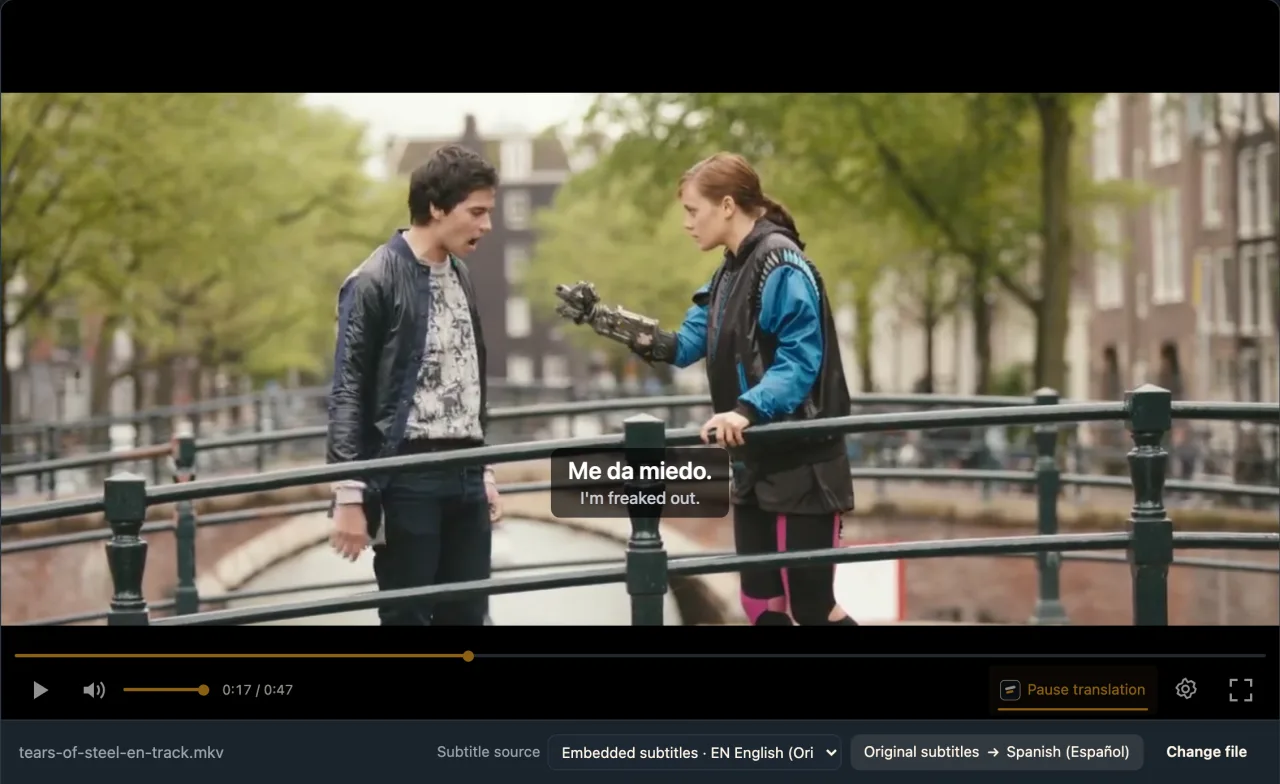
How do I translate embedded subtitles?Your video has a built-in subtitle track in the wrong language? In the WatchTranslate local player set Subtitle source to Embedded subtitles and translate that track directly: no ripping, no re-muxing, 0.2 credits a minute.
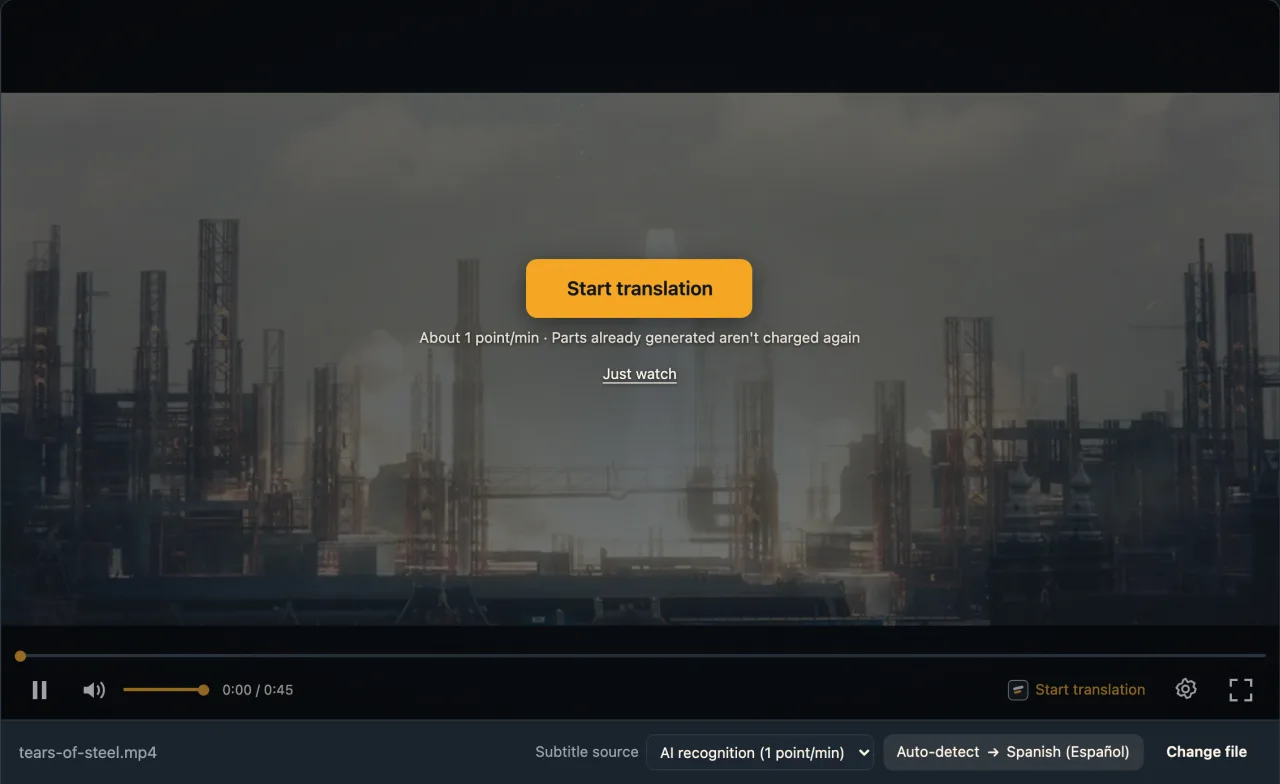
How do I add subtitles to a video?Adding subtitles is two jobs: attach an SRT you already have, or create one from the speech first. The WatchTranslate local player loads subtitle files and generates and translates subtitles as the video plays.
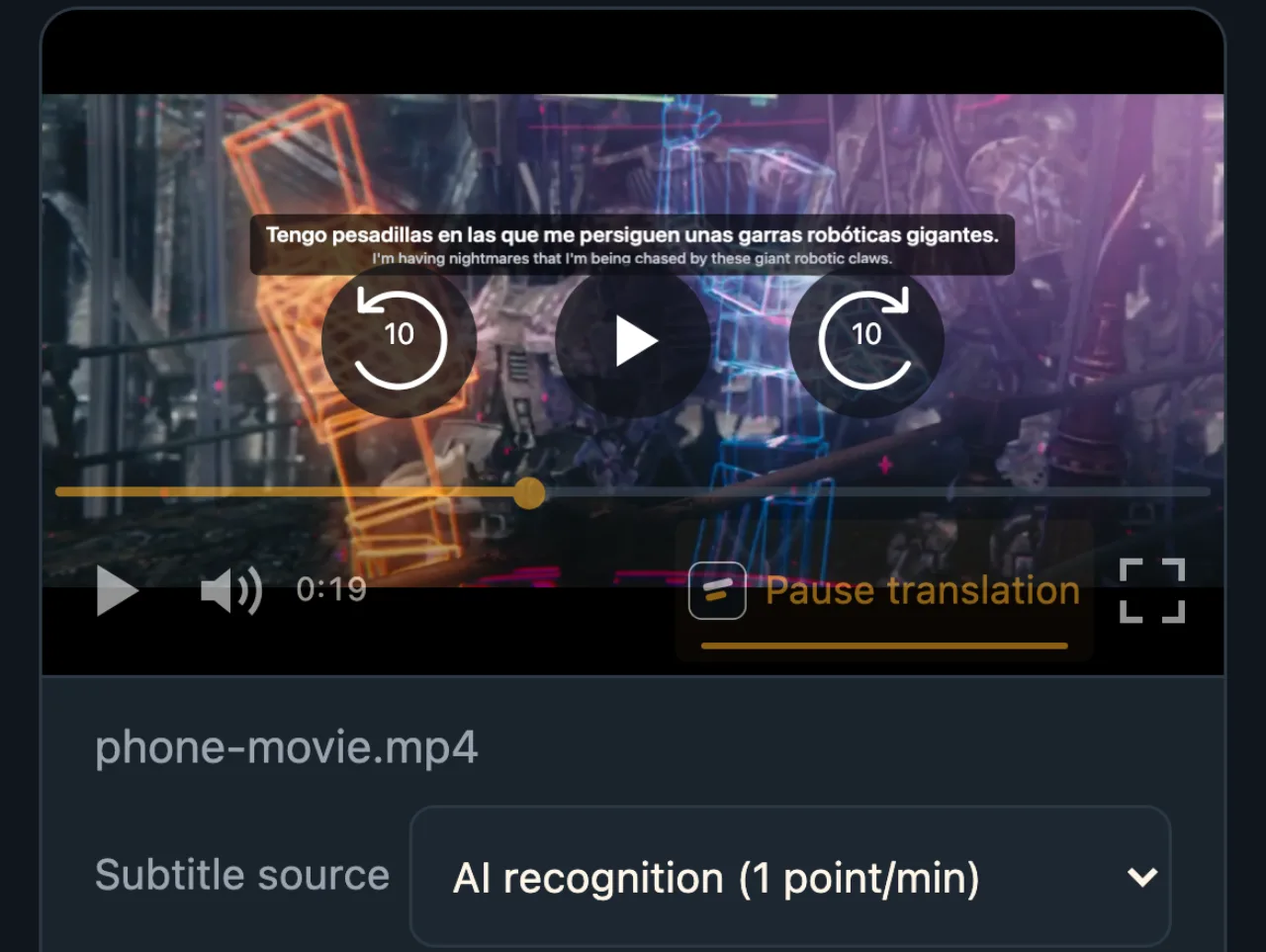
How do I add subtitles to a video on my phone?Videos on your phone have no subtitles? Install the WatchTranslate app on Android or iPhone; on Android you can also open the local player in the phone browser, pick the video and press Start translation.
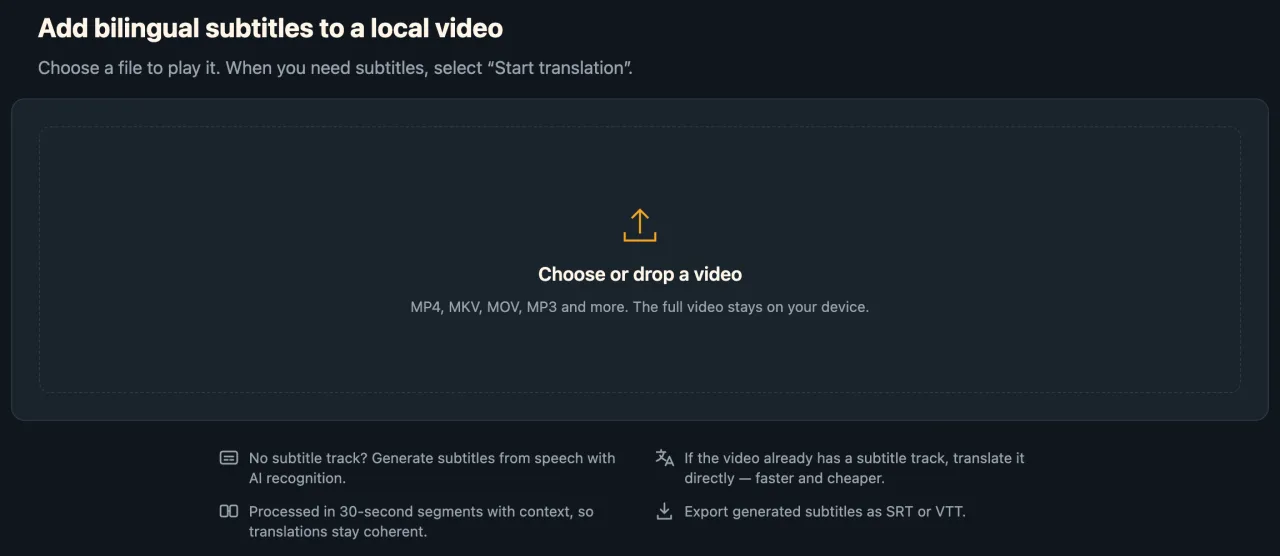
How do I watch a foreign movie with no subtitles?No subtitle track and no SRT that matches your copy? Open the film in the WatchTranslate local player: subtitles are generated from the film's own audio and translated as it plays, and the file stays on your computer.
How do I watch a local video that has no subtitles?An MP4 or MKV on your computer with no subtitles? Open it in the WatchTranslate local player: a text subtitle track is translated directly, otherwise subtitles are made from the speech, shown in two languages. No full upload.