
How do I translate embedded subtitles?
When the file carries a text subtitle track, only that text needs translating: no extracting it, no listening to the audio again. Open the file in the local player, set Subtitle source to Embedded subtitles, pick your language and press Start translation.
Three steps to a translated track
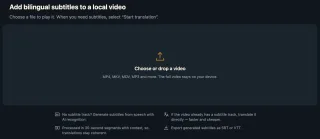
Open the file
Open the local player, sign in, drop in the MKV or MP4 and wait for it to prepare.
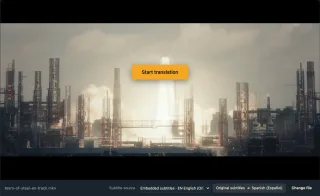
Choose Embedded subtitles
Subtitle source lists the file's own track, here Embedded subtitles · EN English.
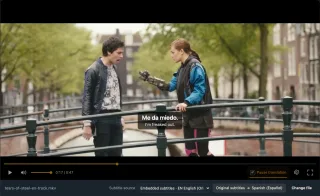
Start translation and play
Your language follows the original timing, with the original line kept below.
Why translate the track itself
Cheaper than audio
0.2 credits a minute to translate text, against 1 to recognise speech.
The original timing
Each line keeps the timing it has in the original track.
No file surgery
No extracting the track first, no re-muxing the video.
Files that often carry a foreign track
Film MKVs with English subtitles
Subtitles present, wrong language.
Anime with Japanese subtitles
Only the original language.
Episode files
One subtitle track, not yours.
Courses with caption tracks
Lecture videos with English text.
Documentaries
An English track included.
MP4s from phones
With a tx3g text track.
Why not extract the subtitles first?
You can rip the track to SRT, translate it elsewhere and mux it back. It works, but takes several tools and a timing check. If you just want to watch, translating in the player is quicker.
| Task | Extract and translate | WatchTranslate local player |
|---|---|---|
| Get the subtitle text | Rip it to SRT with a tool | Reads the track automatically |
| Translate it | Find a translator | Pick your language |
| Keep it in sync | Mux back and check | Uses the original timing |
| Keep a file | Already have one | Export SRT or VTT |
The text is translated; elaborate ASS styling is not preserved.
What we tried
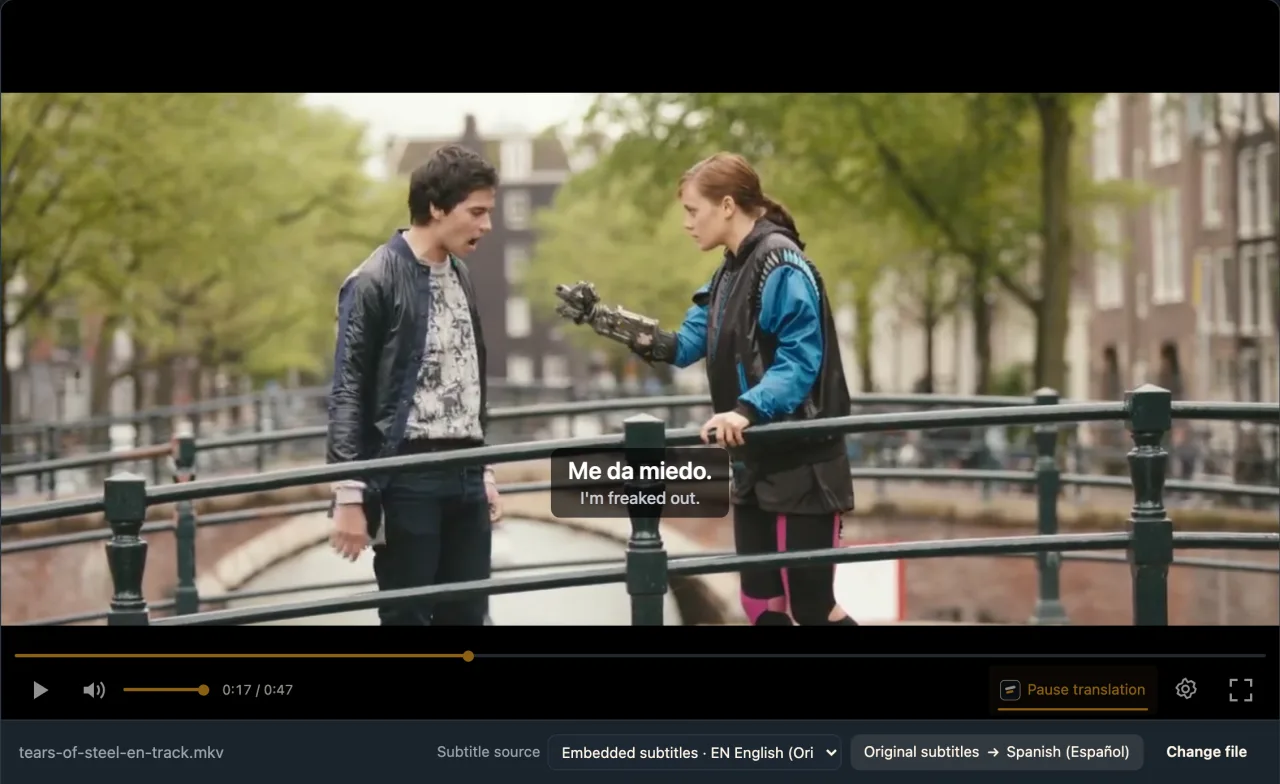
On a computer with the live web local player in Chrome, an MKV carrying one English SRT text track. Tears of Steel © Blender Foundation | mango.blender.org, CC BY 3.0.
- Works
MKV with an English text track · about 2.3 s
Subtitle source listed Embedded subtitles · EN English; we translated it into Spanish and the first line appeared about 2.3 s after Start translation.
Tested 11 Nov 2026 · web local player · Chrome · live service
Drop the file into the local player and choose Embedded subtitles.
In detail
Which tracks translate directly
| Container | Text tracks that work | Not supported |
|---|---|---|
| MP4 / MOV | tx3g, wvtt | TTML / stpp, fragmented MP4 |
| MKV / WebM | SRT, ASS, SSA, WebVTT | PGS and VobSub image subtitles |
| A separate subtitle file | SRT, VTT, ASS, SSA | Image subtitles |
| No usable track | Use AI recognition | Generated from speech |
Embedded is not the same as burned in
Embedded (soft) subtitles are a text track packed inside an MKV or MP4: the player can read every line and its timing, so it can translate them. Burned-in subtitles are pixels in the picture, and image formats such as PGS or VobSub are pictures too, so there is no text to read. When the local player opens a file, it lists every readable text track under Subtitle source; anything listed can be translated, and for anything else you switch to AI recognition.
Where the source language comes from
For an embedded track the language the track declares is used, so Source language needn't be set; it only matters for AI recognition.
Switching sources means starting again
Moving between Embedded subtitles and AI recognition loads that source's subtitles; press Start translation again. Each source keeps its own progress.
Browser limits
MKV plays only in desktop Chrome, Edge or Firefox 145 and later. Safari, and every browser on iPhone, can't prepare MKV in this player, so convert a copy to MP4 first; files the browser won't play also open in the Windows or Mac app.
How a subtitle track gets translated
Why is it so quick?
There is no speech to recognise, only existing text to translate, so the first line usually lands in a second or two.
What gets sent?
Only the subtitle text to translate; the video stays on your computer.
How do names stay consistent?
Each line is translated with its neighbours in view, so names and forms of address hold steady.
Getting the most from embedded tracks
Skip AI recognition when a track exists
Human subtitles are more accurate and five times cheaper.
Pick the fullest track
Some files carry several; choose the complete one.
Keep the original line
Bilingual display helps with names and new words.
Export when done
Save SRT for any other player.
About translating embedded subtitles
Can I translate the English subtitles inside an MKV?
Yes. SRT, ASS, SSA and WebVTT text tracks work; choose Embedded subtitles.
Do I need to extract the subtitles first?
No, the player reads the track inside the file.
How is this different from MKVToolNix and Subtitle Edit?
With those desktop tools you extract the track (mkvextract), translate it in Subtitle Edit, often with your own API key, then load the new file into a player. Here the MKV plays in a desktop browser and the translated lines appear as it runs; export SRT or VTT if you want a file.
Why isn't my subtitle track listed?
It may be image-based (PGS, VobSub) or an unsupported codec. Use AI recognition.
What does it cost?
0.2 credits a minute to translate a track, 1 for AI recognition; 20 minutes free for new accounts.
Can I import a separate SRT?
Yes, choose Load subtitle file… under Subtitle source; it is billed as subtitle translation.
Is ASS styling kept?
No, the text is translated; elaborate styling is not preserved.
Can I translate MKV subtitles on an iPhone?
Browsers on iPhone can't play MKV in this player. Use desktop Chrome, Edge or Firefox, or convert the file to MP4.
Is my video uploaded?
No, only the subtitle text is sent.
One tool to understand foreign-language videos on many sites
Translates as you watch, wherever you are in the video
Jump anywhere and it translates there — no need to translate the whole video first.
Translate videos on YouTube, X, Bilibili and more
Translate existing subtitles directly, or generate bilingual subtitles when there are none.
Better translation quality than traditional machine or real-time translation
AI language models use context and connect the surrounding dialogue to understand meaning.
Export subtitles as SRT / VTT files
Download generated subtitles as original, translated, or bilingual text and load them in common players.
Already translated by someone? Watch it free
Sign up free to reuse generated subtitles for the same video, subtitle source and languages, even after your credits run out.
Bilingual subtitles on your phone
Play video files on your phone, or open a video site in the app's built-in browser and tap Translate. A native player handles more video formats than the web player.
Keep reading
Related questions
- Local video with no subtitlesThree situations
- How to add subtitles to a videoWhen you have a subtitle file
- Export SRT or VTTKeep the translation
- Translate a separate subtitle fileSRT, VTT or ASS next to the video
More: All guides · Local player
Also in: 简体中文 · 繁體中文 · 日本語 · 한국어 · Español · Deutsch · Français · Português · Italiano · العربية · Polski · Nederlands · Türkçe · ไทย · Bahasa Indonesia · Tiếng Việt · Русский · हिन्दी