
How do I watch a foreign movie with no subtitles?
A subtitle file made for another release often drifts out of sync. The dependable route is to make subtitles from the film's own soundtrack. Open the WatchTranslate local player in your browser, drop the film in, pick your language and press Start translation.
Three steps to a subtitled film
Drop the film into the player
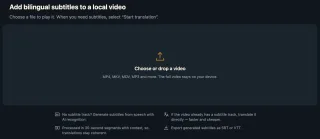
Go to watchtranslate.com/player, sign in, and choose or drag in the MP4 or MKV file.
Check source and language
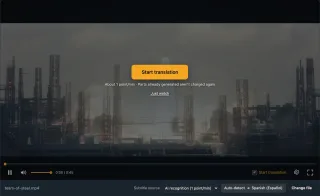
With no subtitle track, Subtitle source shows AI recognition. Leave Source language on Auto-detect and pick yours.
Start translation and watch
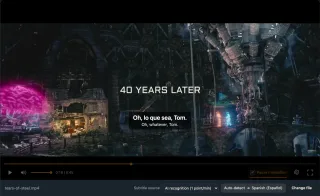
The first line arrives in seconds, then the rest follows playback. Skip ahead and it picks up from there.
Why subtitles from the soundtrack work
No drift, ever
The lines come from the copy you are playing, so frame rate and edit differences can't push them out of sync.
Dialogue and translation
Show your language on top and the original line below, handy if you are learning it.
No full upload
Audio goes out in pieces of about 30 seconds; the film itself never leaves your machine.
Films that often come without subtitles
Classics and restorations
Older titles that never had an English release.
Festival and indie films
Screened abroad, never distributed where you live.
Documentaries
Narration-heavy films nobody subtitled.
Rips with one foreign track
Subtitles exist, just not in your language.
Films for language practice
Both lines on screen while you listen.
Family recordings
Relatives speaking another language.
When is a downloaded subtitle file better?
If a subtitle archive has a file made for your exact release, it was checked by a person: use it. When nothing matches, or every file is a few seconds off, generate them from the audio.
| Your situation | Download an SRT | With WatchTranslate |
|---|---|---|
| An exact-match file exists | Best option | Not needed |
| The file drifts out of sync | Shift offsets by trial and error | Made from this audio, so it lines up |
| Only a track in another language | Hunt for a translation | Translate that track, 0.2 credits a minute |
| A rare film with nothing online | Watch without | Subtitles as it plays |
From audio: 1 credit a minute. Translating existing subtitles: 0.2.
What we tried
On a computer with the live web local player in Chrome, a film clip with no subtitle track, Subtitle source on AI recognition.
- Works
Tears of Steel clip (open movie) · about 6 s
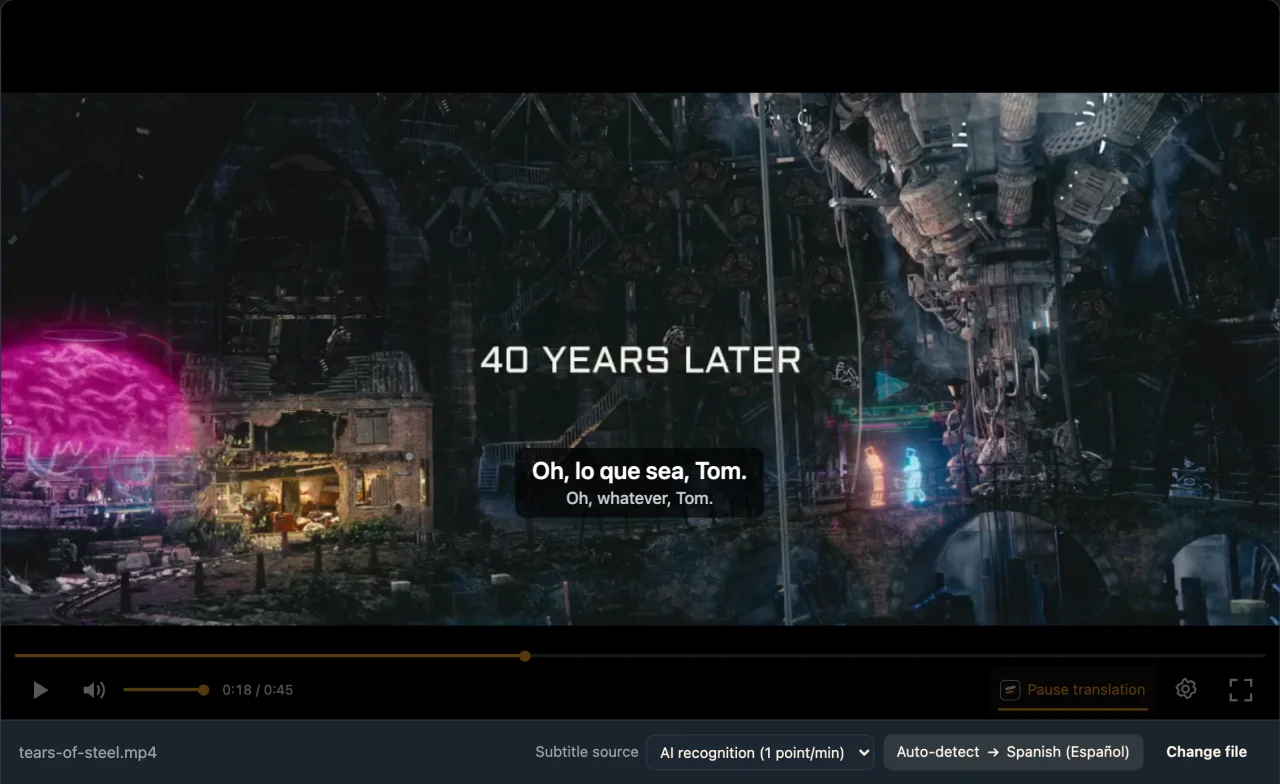
English dialogue, no subtitle track; we picked Spanish and the first line appeared about 6 s after Start translation.
Tested 11 Nov 2026 · web local player · Chrome · live service
Drop the film into the local player, choose your language and press Start translation.
In detail
Where the film is decides the tool
| The film is | Open it in | Worth knowing |
|---|---|---|
| An MP4 or MKV on your computer | The browser local player | Nothing to install |
| AVI, HEVC or another format the browser can't play | The Windows or Mac app | Plays more formats |
| On an Android phone | The WatchTranslate app | Opens files on the phone |
| Streaming on a website | The Chrome / Edge extension | Subtitles over the site's own player |
Why foreign films so often lack subtitles
Files that circulate online are frequently repacked without their subtitle tracks, or keep only a forced track for a few signs. When a track survives, it tends to be in the original language or English. Archive files are timed to someone else's release: a longer studio logo or a trimmed scene, and everything after it is late. What is missing is rarely translation skill; it is a track that matches your copy.
Made from the soundtrack, so it lines up
The local player listens to the copy you are playing, writes down each line of dialogue with its start and end time, and translates it under the picture. Subtitles and sound come from the same file, so there is nothing to realign.
When the film has a track in another language
If the MKV or MP4 carries a text subtitle track, Subtitle source lists it as Embedded subtitles. Choose it to translate that text instead: cheaper than listening, and it keeps the original line breaks.
Getting through a feature-length film
While you watch, the current and next pieces are prepared first. To avoid any wait, open Whole-video translation and press Start whole-video translation before you sit down; afterwards Export subtitles saves the result as SRT.
From a film's soundtrack to your language
Why does the first line come so fast?
Only the 30 seconds or so you are watching is processed first, not the whole film.
What about loud music?
Music over speech lowers accuracy. If you know the film's language, set Source language instead of Auto-detect.
How is it charged?
1 credit a minute from audio. Parts already generated aren't charged twice, and failed pieces are free.
Watch foreign films more comfortably
Start where the talking starts
Skip the opening credits for a faster first line.
Name the language if you know it
French or Korean films: set it directly.
Keep the original line
Check names and places against it.
Export to keep them
Save SRT for any other player.
About foreign films without subtitles
How can I watch a foreign film that has no English subtitles?
Open it in the local player; subtitles are made from the film's audio and translated into English as it plays.
Why are downloaded subtitles out of sync with my movie?
They were timed to a different release. Subtitles generated from your copy's audio line up by design.
Is the whole film uploaded?
No. Audio is sent in pieces of about 30 seconds; the file stays on your computer.
The film only has subtitles in another language. Can I translate them?
Yes, a text subtitle track inside an MKV or MP4 can be translated directly for 0.2 credits a minute.
Can it read subtitles burned into the picture?
No, those are part of the image. Use AI recognition to work from the audio instead.
How soon do subtitles appear?
In our test the first line came about 6 seconds after Start translation.
What does a two-hour film cost?
From audio it is 1 credit a minute, so about 120. New accounts get 20 minutes free.
Can I see the original dialogue too?
Yes, set Subtitles to Bilingual, with the translation or the original on top.
My browser won't play the file. What now?
Use the Windows or Mac app, which plays more formats.
One tool to understand foreign-language videos on many sites
Translates as you watch, wherever you are in the video
Jump anywhere and it translates there — no need to translate the whole video first.
Translate videos on YouTube, X, Bilibili and more
Translate existing subtitles directly, or generate bilingual subtitles when there are none.
Better translation quality than traditional machine or real-time translation
AI language models use context and connect the surrounding dialogue to understand meaning.
Export subtitles as SRT / VTT files
Download generated subtitles as original, translated, or bilingual text and load them in common players.
Already translated by someone? Watch it free
Sign up free to reuse generated subtitles for the same video, subtitle source and languages, even after your credits run out.
Bilingual subtitles on your phone
Play video files on your phone, or open a video site in the app's built-in browser and tap Translate. A native player handles more video formats than the web player.
Keep reading
Related questions
- Local video with no subtitlesFormats, embedded tracks, fixes
- How to add subtitles to a videoWith or without a subtitle file
- Export SRT or VTTKeep what was generated
More: All guides · Local player
Also in: 简体中文 · 繁體中文 · 日本語 · 한국어 · Español · Deutsch · Français · Português · Italiano · العربية · Polski · Nederlands · Türkçe · Bahasa Indonesia · Tiếng Việt · Русский · हिन्दी