
CCTV English subtitles Follow Chinese food shows, documentaries and dramas in English
The CCTV website carries Chinese television online: cooking journeys, cultural documentaries, long-running dramas and studio conversations, nearly all in Mandarin. WatchTranslate writes an English line on the CCTV player while people talk and leaves the Chinese sentence directly under it.
Watch on your phone
Scan to get the app


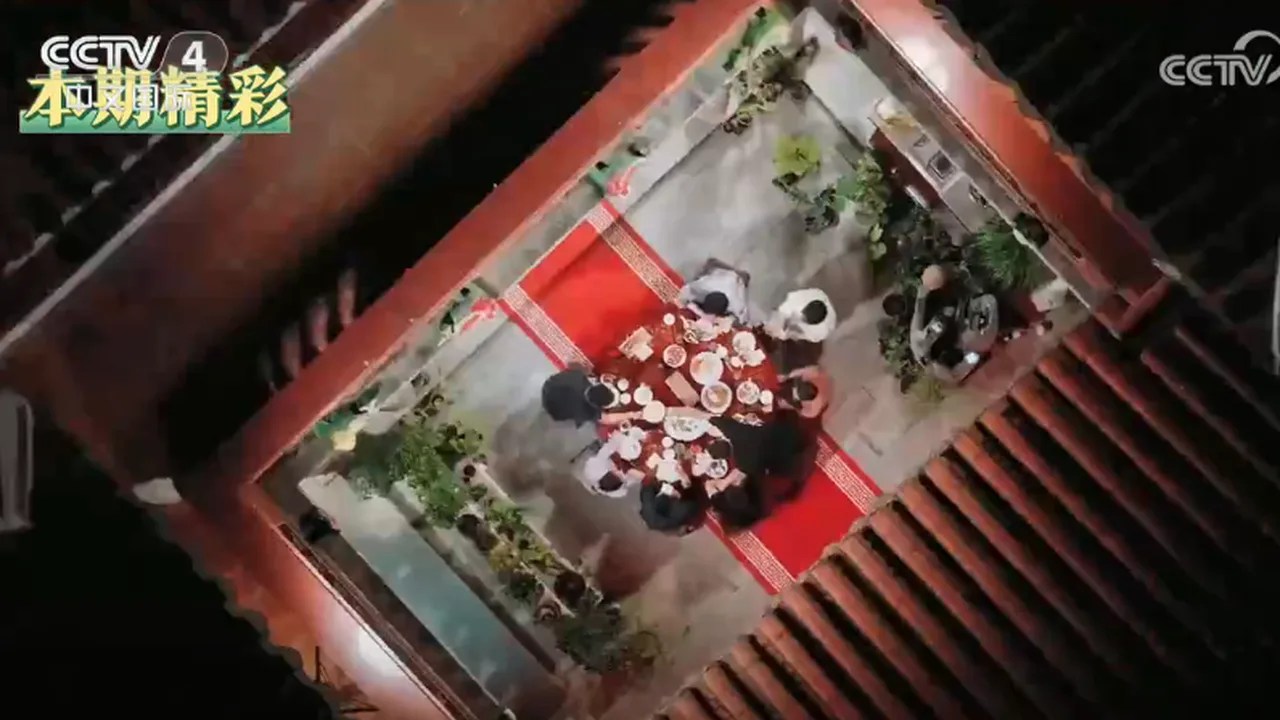
CCTV shows are made for Chinese-speaking viewers
The CCTV web player streams each programme in Chinese, and it has no subtitle or translation menu of its own. Some programmes show Chinese text burned into the picture. WatchTranslate follows the spoken Mandarin and adds English as the show runs.
- Mandarin conversation with no English text
- Dish names and hometowns go by fast
- A full episode is a lot to follow by ear
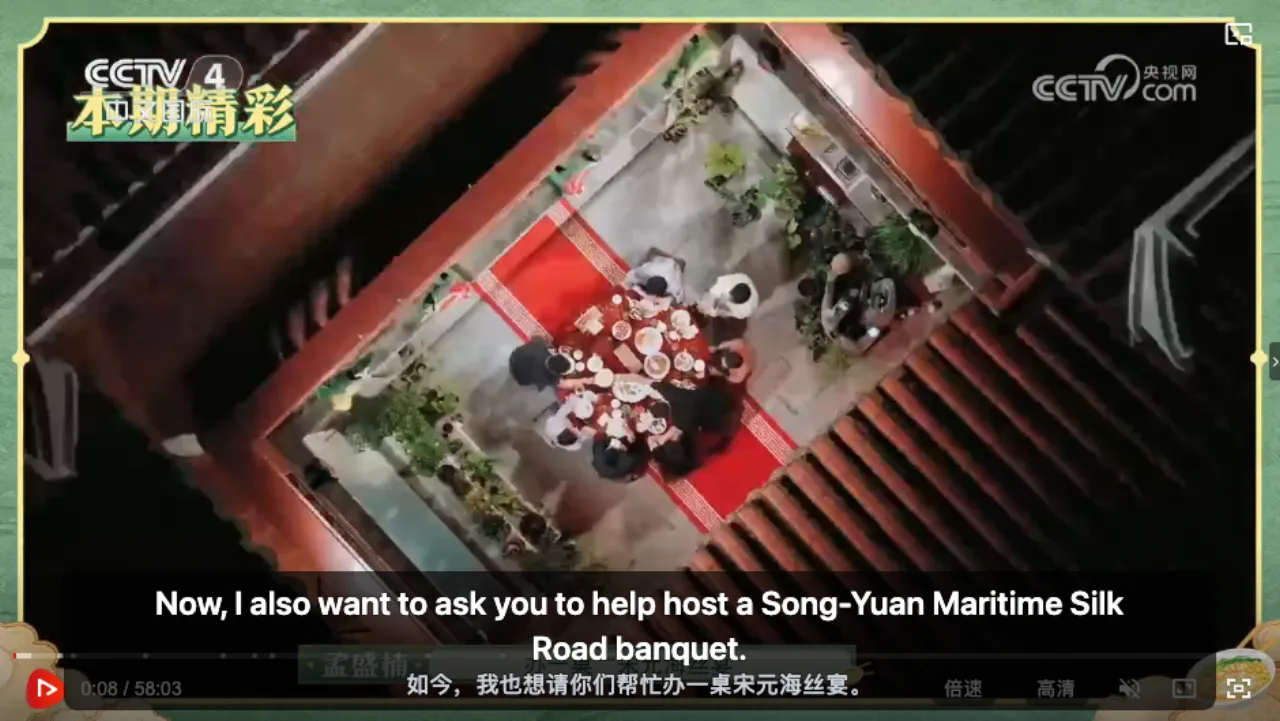
- English arrives with every spoken sentence
- The Chinese line sits underneath for study
- Switched on from the toolbar while the show plays
English subtitles on CCTV in three steps
Install the extension
Add WatchTranslate to Chrome or Edge on your computer, then pin the icon to the toolbar.
Play a programme on CCTV
Open a cooking show, documentary, drama episode or talk show on tv.cctv.com and press play.
 WTActually, this place is my second brother's hometown.
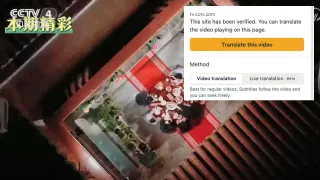
Click the icon, then Translate this video
Open the WatchTranslate popup from the toolbar. It lists CCTV as a verified site; keep Target language on English and click Translate this video. English starts with the next line someone says.
Made for Chinese programmes on CCTV
One click from the toolbar
Press the WatchTranslate icon, choose Translate this video, and the episode carries on with English on top.
Works from the Mandarin audio
Lines are built from the voices in the show, so chefs, guests and narrators all get English.
English on top, Chinese beneath
Follow the meaning in English and glance at the Chinese characters underneath, handy for anyone studying Mandarin.
Keeps up with every voice
Each English line matches the sentence just spoken, from the host's questions to a guest's story.
Jump anywhere in an episode
Drag the CCTV progress bar to a later course or scene; subtitles pick up from there.
Pick a different language
Want Spanish, French or Japanese instead? Change Target language in the popup before starting.
What people watch on CCTV with WatchTranslate
Food and cooking shows
Chefs, family dinners and regional dishes, with every recipe tip and toast in English.
Documentaries
Films on history, nature, crafts and travel across China, narrated line by line.
TV dramas
Chinese series with the dialogue in English on top and the actors' own words below.
Talk shows and interviews
Studio conversations where each answer gets an English line of its own.
Culture and heritage
Programmes about festivals, music, traditional arts and the stories behind them.
Mandarin listening practice
Learners keep the Chinese line visible and check it against the English when a phrase is new.
What does the CCTV player offer for English viewers?
The CCTV web player is built for Chinese-speaking audiences. Here is how the usual situations compare when you want English.
| The programme you're watching | What the CCTV player offers | With WatchTranslate |
|---|---|---|
| A food or culture programme in Mandarin | Chinese audio, with no subtitle menu | English from the speech, with the Chinese line below |
| A programme with Chinese text in the picture | Chinese text shown as part of the video | English lines that follow what is spoken |
| You want another language | Programmes in Chinese | Any target language you choose in the popup |
The CCTV column describes the tv.cctv.com web player on November 14, 2026, signed out. Check CCTV's current page.
What we tried on CCTV
On a computer with the current extension, signed out of CCTV: start the programme, click the WatchTranslate icon in the toolbar, then Translate this video.
- Works
名厨家宴, a CCTV cooking programme · Chinese → English
“其实这个地方就是我二哥故乡。” came up as “Actually, this place is my second brother's hometown.” on the CCTV player, with the Chinese underneath.
- Works
Longer sentences stay whole
A full toast about flavor and friendship read “good flavors are on the tip of the tongue, and good friendship takes root deep in the heart.”
Tested November 14, 2026 · extension 0.5.810 · Chrome · signed out of CCTV
Watch on your phone
Scan to get the app
Spend your 20 free minutes on the CCTV cooking show or documentary you've been curious about.
In detail
What to do for each kind of CCTV programme
| The programme | What to do | Good to know |
|---|---|---|
| You understand Mandarin well | Watch on the CCTV player as usual | Add WatchTranslate any time you want English alongside |
| A cooking show, documentary or drama you want in English | Click the icon and Translate this video with Target language on English | Each spoken sentence gets its own English line |
| You are studying Chinese | Keep the bilingual view on | Read the characters under the English while you listen |
How WatchTranslate makes subtitles on CCTV
Where does the English come from?
WatchTranslate listens as the programme plays, transcribes the Mandarin and translates it. It works through the video in 30-second segments, the current one and the one after, so the English keeps pace with the speakers.
How do dish names and places stay consistent?
Sentences are translated together with their neighbours, so a dish, a town or a guest's name is written the same way across the episode. The Chinese and English lines run on one timeline and switch together.
Why do some programmes show subtitles right away?
If someone has already translated the same programme into the same language, WatchTranslate reuses that result and displays it immediately.
Getting the best results on CCTV
Begin at the conversation
Start from the first spoken scene instead of the opening titles; lines appear sooner.
Keep the Chinese line visible
Dish names and place names are easy to compare with the original characters.
Pin the icon
With WatchTranslate pinned, your next CCTV episode is a single click away.
CCTV English subtitles questions
How do I get English subtitles on CCTV?
Install WatchTranslate in Chrome or Edge, start the programme on tv.cctv.com, click the WatchTranslate icon in the toolbar, leave Target language on English and click Translate this video. English lines show on the CCTV player with the Chinese below.
Does the CCTV player have English subtitles?
In our check on November 14, 2026, signed out, the tv.cctv.com player had no subtitle or translation menu. WatchTranslate adds English by translating the spoken Mandarin.
Do I need a CCTV account?
No. We ran our test signed out of CCTV. You only need a free WatchTranslate account to hold your free minutes.
What kinds of programmes does it handle?
Programmes with spoken Mandarin in the CCTV web player: cooking and food shows, documentaries, dramas, talk shows and news programmes. Our test used the cooking and culture programme 名厨家宴.
Can it help me learn Chinese?
Yes. The Chinese sentence stays on screen beneath the English, so you can match characters to meaning as you listen.
What about Chinese text already in the picture?
That text is part of the video and stays as it is. WatchTranslate adds its own English line from what people say.
Can I skip ahead in an episode?
Yes. Drag the progress bar to the part you want and subtitles continue from that point.
Can I choose a language other than English?
Yes. Pick your language under Target language in the popup before you click Translate this video.
How much is free?
New accounts get 20 free minutes with no card, enough for a short documentary or part of a cooking episode.
Is WatchTranslate connected to CCTV?
No. It is an independent browser extension with no link to CCTV or China Media Group.
Keep reading
Related questions
- Online video with no subtitlesMake them from the audio
- How bilingual subtitles workTwo languages at once
By topic
- Documentaries in EnglishAny language, any site
- Foreign videos in EnglishOther languages and sites
More: Supported sites · All guides
Also in: 日本語 · 한국어 · Español · Deutsch · Français · Português · العربية · ไทย · Bahasa Indonesia · Tiếng Việt · Русский · हिन्दी
CCTV and related logos are trademarks of their respective owners. WatchTranslate is not affiliated with or endorsed by China Media Group.