
Export Bilibili subtitles to SRT, in English or bilingual
Open the video on bilibili.com, click WT on the player and start: WatchTranslate writes subtitles from the speech, or translates the uploader's track. Then open the Export tab, pick Bilingual, Original or Target only and SRT or WebVTT, and your browser saves the file.
Watch on your phone
Scan to get the app

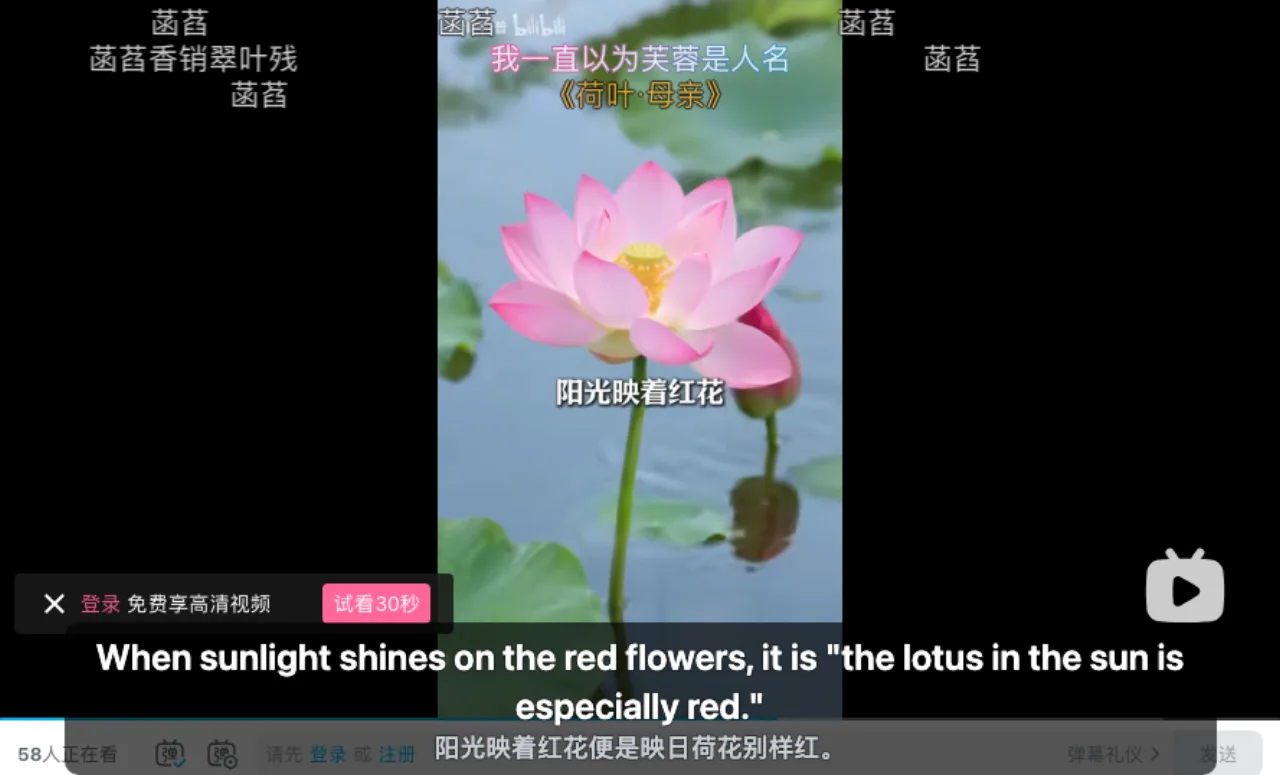
Bilibili subtitles to an SRT file in three steps
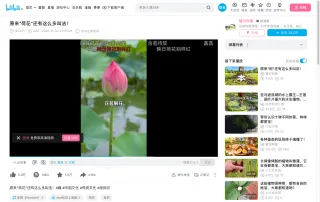
Open the video and click WT
Chrome or Edge on a computer with WatchTranslate added. Signing in to Bilibili is not needed for subtitles made from the speech.
 WTIt grows in mud, yet its flower is clean.
Start, and let it play
Pick your Target language and start. Lines appear as the video plays; only the parts you play, or prepare in advance, go into the file.
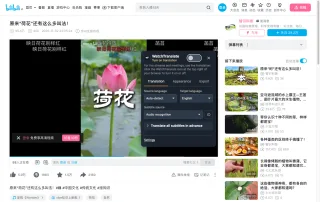
Open WT, then Export
Export is the third tab in the WT panel. Choose Content (Bilingual) and Format (SRT), then Export subtitles: the browser saves a .srt or .vtt file.
What the exported file gives you
SRT or WebVTT
Numbered cues with start and end times, ready for video players, editors and subtitle tools.
Original, translation or both
Bilingual puts your language and the Chinese sentence in the same cue, one line each, in your display order.
Works without a CC track
Audio recognition writes the subtitles from the speech, so a video with no subtitle track still gives you a file.
Why people save Bilibili subtitles as a file
Studying Chinese
A bilingual SRT puts each Mandarin sentence next to its meaning, to read again away from the video.
Notes and quotes
Copy what a lecturer or explainer said, with the time it was said.
Your own player
Load the SRT next to a copy of the video you are allowed to keep, in VLC or another player.
Editing and checking
Open the file in a subtitle editor to fix names or timing before you reuse it.
Sharing a translation
Send a friend the English lines of a Chinese video they cannot follow.
Keeping a record
Save what a video said in case the upload changes or is taken down.
Bilingual, Original or Target only
The Export tab's Content menu sets what goes into each cue. All three come from the same lines you saw on the player.
| Export content | What each cue holds | Good for |
|---|---|---|
| Bilingual | Your language and the Chinese sentence, one line each | Learning Chinese, checking a translation |
| Target only | Only your language | Watching in a player, sharing the English |
| Original | Only the Chinese, as recognised from the speech or read from the track | Chinese text of a video with no track |
Checked with the Export tab on bilibili.com in a computer browser, November 2026.
What we exported from Bilibili
On a computer with the live extension, signed out of Bilibili, on a Mandarin science short about lotus plants.
- Works
Chinese science short · bilingual SRT
Subtitle source was Audio recognition, target English. Export with Bilingual and SRT saved a 25-cue file covering 0:00–1:56, the part that already had subtitles.
Tested 13 Nov 2026 · extension 0.5.804 · Chrome · signed out of Bilibili
Watch on your phone
Scan to get the app
Then open a Bilibili video, start subtitles, and export them from the Export tab.
In detail
Cues from the SRT we exported
| Time | English line | Chinese line |
|---|---|---|
| 00:00:00,320 --> 00:00:03,400 | The lotus stem isn't called a stem; it's called a lotus root. | 荷花的茎不叫茎,叫做藕。 |
| 00:00:08,760 --> 00:00:13,289 | Between two root segments, the place where roots and buds grow is called a node. | 两段藕之间,生根长芽的地方叫做节。 |
| 00:00:13,400 --> 00:00:18,518 | In spring, the lotus root buds elongate and send out slender underground stems, called lotus root runners. | 春天藕芽伸长,抽出细长的地下茎,叫做藕带。 |
What goes into an exported Bilibili SRT
WatchTranslate does not download a file Bilibili already has. It makes the subtitles itself, from the speech with Audio recognition or from the uploader's track with Video subtitles, and the Export tab writes those lines to a file. The file holds only the stretches that already have subtitles; the hint under the button says which time ranges it covers.
Whole video in one file
Play the video to the end, or use Translate all subtitles in advance before you export, so every part is covered.
Danmaku stays out
Bullet comments are not subtitles and are never written to the file; only the lines from the speech or the track are.
Subtitles only, not the video
Export saves a text file of timed lines. The video itself stays on Bilibili.
Where the exported lines come from
From the speech
The video is handled in stretches of about 30 seconds: speech is recognised in its own language, then translated with the sentences around it in view.
From an uploader track
Signed in to Bilibili, WatchTranslate reads the track your browser can see and translates its lines, keeping their timing.
What it costs
Exporting subtitles your own account generated is free. Parts someone else's viewing generated cost 0.1 points a minute, and the button shows the price before anything is charged.
Tips for a clean SRT from Bilibili
Prepare long videos
Translate all subtitles in advance covers a lecture or long video before you export.
Same settings as you watched
The file follows the subtitle source and target language that were on when the lines were made.
SRT for players, VTT for the web
Most desktop players and editors read SRT; WebVTT suits players on web pages.
Bilibili subtitle export questions
Can I export Bilibili subtitles to SRT?
Yes. Make subtitles on bilibili.com with WatchTranslate, then open the Export tab and choose SRT or WebVTT.
Can I get English SRT subtitles for a Chinese Bilibili video?
Yes. Set the Target language to English and export Target only, or Bilingual for English and Chinese together.
What if the Bilibili video has no CC subtitles?
Use Audio recognition: the subtitles are written from the speech, and you export them the same way.
Does it download Bilibili's own subtitle file?
No. It exports the subtitles WatchTranslate made for the video, from the speech or translated from the uploader's track.
Does it download the video?
No. Export saves a subtitle file of timed lines; the video stays on Bilibili.
Why does my SRT not cover the whole video?
The file holds only the parts that already have subtitles. Play to the end, or use Translate all subtitles in advance, then export.
Is exporting free?
Exporting subtitles your own account generated is free. Parts generated by someone else's viewing cost 0.1 points a minute, shown before you confirm.
Are danmaku comments in the file?
No. Only the subtitle lines are exported, not bullet comments.
Do I need a Bilibili account?
Not for Audio recognition; we tested signed out. Reading an uploader's track needs a Bilibili sign-in.
One tool to understand foreign-language videos on many sites
Translates as you watch, wherever you are in the video
Jump anywhere and it translates there — no need to translate the whole video first.
Translate videos on YouTube, X, Bilibili and more
Translate existing subtitles directly, or generate bilingual subtitles when there are none.
Better translation quality than traditional machine or real-time translation
AI language models use context and connect the surrounding dialogue to understand meaning.
Export subtitles as SRT / VTT files
Download generated subtitles as original, translated, or bilingual text and load them in common players.
Already translated by someone? Watch it free
Sign up free to reuse generated subtitles for the same video, subtitle source and languages, even after your credits run out.
Bilingual subtitles on your phone
Play video files on your phone, or open a video site in the app's built-in browser and tap Translate. A native player handles more video formats than the web player.
Keep reading
Related questions
More: All guides · Supported sites
Also in: 简体中文 · 繁體中文 · 日本語 · 한국어 · Español · Deutsch · Français · Português · Italiano · العربية · Polski · Nederlands · Türkçe · ไทย · Bahasa Indonesia · Tiếng Việt · Русский · हिन्दी